
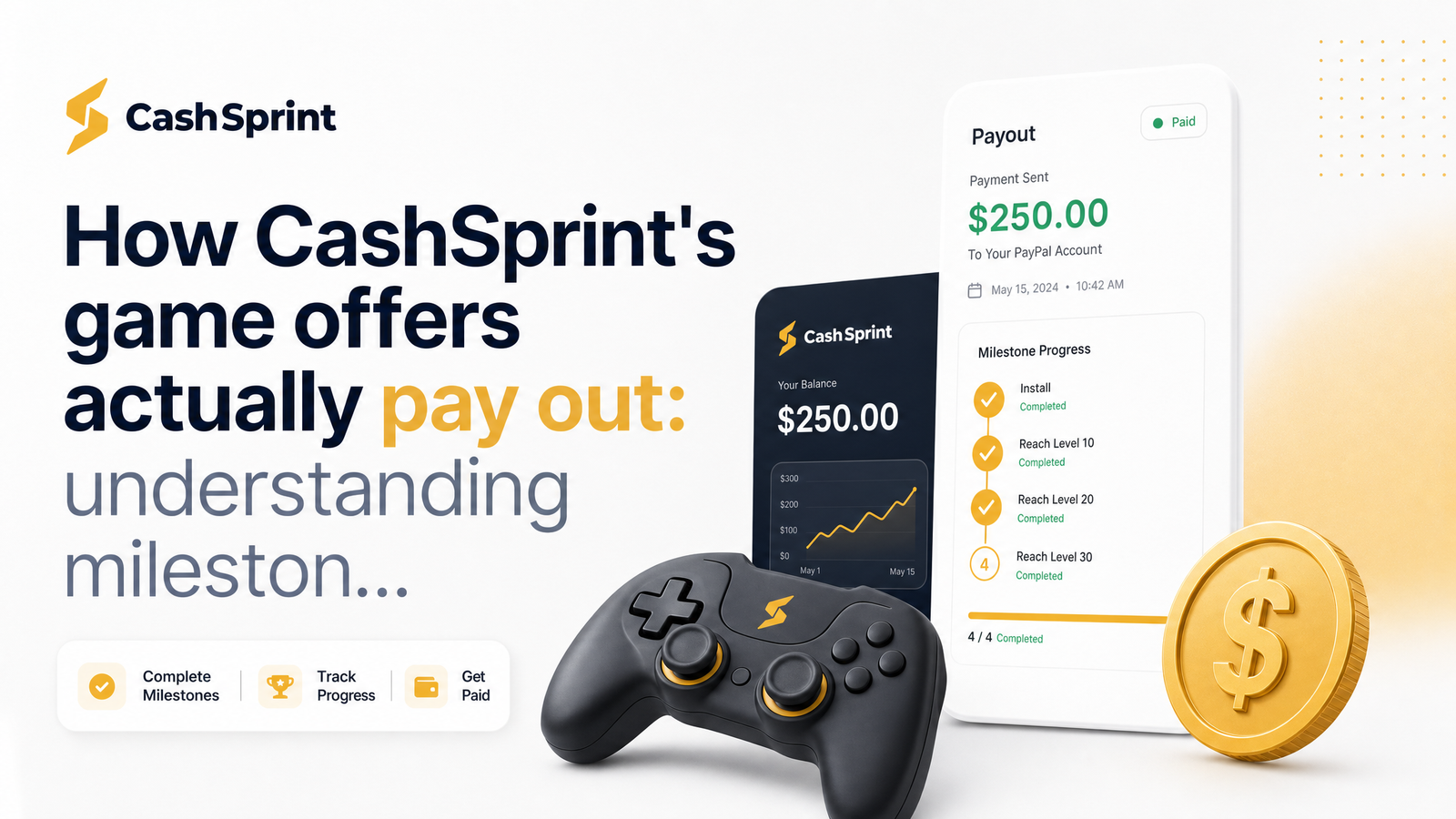
Why a Finished Game Level Doesn't Always Mean an Instant Payout
You hit level 10. You closed the app expecting your balance to jump. Nothing happened. This is the most common frustration reported around game offers in Canada, and it usually has nothing to do with anything you did wrong.
CashSprint isn't the entity deciding whether your game offer credits. When a game offer doesn't get credited, the delay or failure almost always happens upstream, in a tracking chain running through an advertiser and an ad network before it ever reaches CashSprint's dashboard. Understanding that chain — how it verifies your progress, why it lags, and where it can break — is the difference between panicking after 20 minutes and knowing exactly when to escalate. That's what this article walks through.
The Path Your Reward Actually Travels: Advertiser → Network → CashSprint
A game offer on CashSprint's offer wall isn't hosted by CashSprint. It's supplied by an advertiser — the game studio or its marketing partner — who pays to acquire players through networks like Tapjoy or IronSource. Those networks operate the actual offer wall infrastructure, tracking installs and in-game actions across thousands of apps and publishers, with CashSprint being one publisher among many plugged into that system.
Two payment models sit behind almost every offer you see. A CPI (cost per install) offer pays the advertiser's network simply for a verified install and app open — flat, fast, low effort. A CPA (cost per action) offer pays only once you complete a specific action inside the game: finishing a tutorial, reaching a level, or hitting a spending threshold. Milestone-based game offers are a form of CPA — the "action" is just deeper and defined in stages.
The mechanism that confirms you did the thing is a server-to-server postback. When you reach a tracked milestone, the game signals the advertiser's server, which forwards confirmation to the network's server, which then fires a postback to CashSprint's server. No screen in your app talks directly to your CashSprint balance — it's a relay of automated messages between three or four separate servers, each on its own schedule. That relay is why offer wall tracking has inherent lag, and why a completed step can sit as "in progress" for hours or days while those servers reconcile. It's not that CashSprint is holding your money hostage; the confirmation simply hasn't arrived yet.
Milestone Rewards Explained: Why Level 10 Pays More Than an Install
A flat install offer pays a fixed, usually small amount for one verified event: you installed the app and opened it. There's nothing further to track, so these tend to credit fastest.
Milestone rewards mobile games use instead break the payout into tiers tied to how deep you go. A typical structure might pay a small amount for completing the tutorial, more for reaching level 10, and a larger chunk for reaching level 25 or logging in on day 7. Each tier is its own tracked action with its own postback, so each can credit at a different time — and if the app doesn't send that specific postback correctly, that one tier won't show up even if earlier tiers already did.
Payout size scales with what the advertiser is willing to pay to retain a player, not with how "hard" the level felt to you. A studio pays more for a day-7 return because a player who comes back a week later is statistically far more valuable than someone who installs and quits. That's also the honest answer to why a $15 game offer requires far more grind, or spend, than a $1 install-only offer: the advertiser is buying a specific, deeper behaviour, and the price reflects it.
Why Some Games Require an In-App Purchase to Unlock the Cash
Some of the highest-paying game offers on any offer wall are gated behind an in-app purchase (IAP). This isn't a CashSprint rule — it's baked into the advertiser's offer terms before it ever reaches the network. Certain studios only pay CPA on offers where the player converts to a paying user, because that's the outcome that matters to their business. If the offer states "reach level X and spend $Y," the postback that triggers your reward won't fire without that purchase event, regardless of how far you progressed otherwise.
Protect yourself by reading the full offer description before installing anything, not just the payout number. Legitimate IAP-required offers disclose the purchase requirement in the terms — usually in smaller text below the headline reward. If it's not disclosed and a game seems to demand payment anyway, screenshot and report it rather than assuming it's a hidden CashSprint requirement.
Do the math before you spend anything real. If a game offer pays $15 but requires a $9.99 in-app purchase, your actual net gain is roughly $5, not $15 — and only if the milestone tracks correctly. Weigh that against install-only or free-milestone offers nearby on the wall, which have far less that can go wrong between your action and your payout. Why game offers require an in-app purchase ultimately comes down to advertiser economics, not arbitrary friction, but that doesn't mean every IAP-gated offer is worth chasing.
Where Tracking Breaks — and How to Protect Your Reward
Most cases of a game offer not credited trace back to a break in attribution — the technical link between "this device did this action" and "this CashSprint account gets paid." A few habits dramatically reduce that risk:
- Always launch the offer from the in-app offer wall link, not from the App Store or Google Play searched separately. The link carries a tracking ID that ties your install to your CashSprint account; installing the app any other way often means no ID gets attached, so nothing can be credited no matter what you complete.
- Stay on the same device from install to milestone. Switching phones mid-offer breaks the device fingerprint the network uses to confirm it's really you progressing, a common reason a hit milestone goes unpaid.
- Don't use a VPN during the offer. Networks flag mismatched IP/location signals as potential fraud, and a Canadian user appearing to connect from another country mid-offer can cause the whole action to be rejected silently.
- Screenshot each milestone the moment you hit it, including an in-game timestamp or date if visible. This is your evidence if you need to dispute a missing credit later.
- Know the normal credit window before you contact support. Flat install offers often confirm within hours; multi-tier milestone offers can reasonably take a few days per tier because of the server relay described earlier. Contacting support before that window has passed usually just results in "please wait."
If you also complete trial-style offers on the wall, the crediting logic is similar but has its own quirks — see this companion piece on trial offer crediting for details.
What to Do If Your Milestone Was Hit But the Reward Wasn't
If you've waited past the normal credit window and a milestone reward is still missing, work through this sequence rather than firing off a support ticket immediately:
- Confirm the window has actually passed. Multi-tier offers can legitimately take longer than single-action offers — give it the few extra days before assuming something's wrong.
- Gather your evidence. Your milestone screenshots, the exact time you reached the milestone, the device you used, and confirmation you launched the offer from the in-app link.
- Check that nothing broke the tracking chain on your end — no device switch, no VPN, no reinstall — since support will ask.
- Contact CashSprint support with that evidence attached, referencing the specific offer name and milestone. Clear, timestamped proof is what lets support investigate with the network rather than just logging a generic complaint.
- If your account gets flagged or restricted while a dispute is open, don't panic — read through why account suspensions happen and how to appeal so you know the process rather than guessing.
If a missing credit has you second-guessing the platform overall, it's worth reading an independent look at whether CashSprint is legit before assuming the worst — most delays resolve through the postback catching up, not through anything adversarial.
Frequently Asked Questions
Why hasn't my game offer been credited even though I hit the milestone?
The most likely cause is a delay or break somewhere in the advertiser-to-network-to-CashSprint postback chain, not an error on CashSprint's end. Multi-tier milestone offers can take longer to confirm than flat install offers because each tier requires its own server-to-server signal to arrive and reconcile.
Do I have to spend real money to get paid on CashSprint game offers?
No — only offers that explicitly disclose an in-app purchase requirement need real spending, and that requirement is set by the advertiser, not CashSprint. Plenty of offers on the wall pay for a free install or a milestone reached without any purchase, so check the offer terms before assuming spend is required.
How long does it take for a game offer to pay out after I finish the milestone?
Flat install offers often confirm within hours, while multi-tier milestone offers can reasonably take a few days per tier due to the server relay between advertiser, network, and CashSprint. If it's been well beyond that window with no update, that's the point to gather evidence and contact support.
Why do some game offers pay way more than others for what seems like the same effort?
Payout size reflects what the advertiser is willing to pay for that specific tracked action, not how difficult the level felt. A day-7 retention milestone or a purchase-linked tier pays more because that behaviour is far more valuable to the advertiser than a simple install.
What should I do if I completed a game milestone but the reward never shows up?
Wait out the normal credit window first, since multi-tier offers legitimately take longer to confirm. If it still hasn't credited, gather your milestone screenshots and timestamps, confirm you didn't switch devices or use a VPN, and contact CashSprint support with that evidence attached.
Can I switch devices or use a VPN while completing a game offer on CashSprint?
No — both actions commonly break the attribution tracking that confirms your progress belongs to you. Complete the entire offer, from install to final milestone, on the same device and network connection you started with.
Before you start your next game offer, open Cashsprint, go to the Games tab, and screenshot the milestone requirements and payout terms before you install anything. Once your earnings do land, check the payout options ranked by speed to move them to Interac, PayPal, or a gift card as quickly as possible.