
Your CashSprint Cash-Out Isn't Stuck — It's Probably Waiting on Your Bank
You redeemed your CashSprint balance, the app confirmed it, and now you're staring at your banking app wondering where the money went. A delayed CashSprint payout almost never means CashSprint failed to send it. It usually means your bank is applying one of two mechanics — a limit that caps or splits what you can receive, or a review/hold flag on the incoming transfer.
An Interac e-transfer delay feels alarming because e-transfers have a reputation for being instant. Most of the time they are, but "instant" assumes conditions on the receiving end are already met — conditions your bank controls, not CashSprint. This article covers both causes: how Interac e-Transfer limits Canada-wide work, and why your bank might be sitting on a transfer that looks, from CashSprint's side, like it already left. For reassurance that this is a bank-side pattern, not a platform issue, see Is Cashsprint Legit? A Skeptic's Evidence-Based Review.
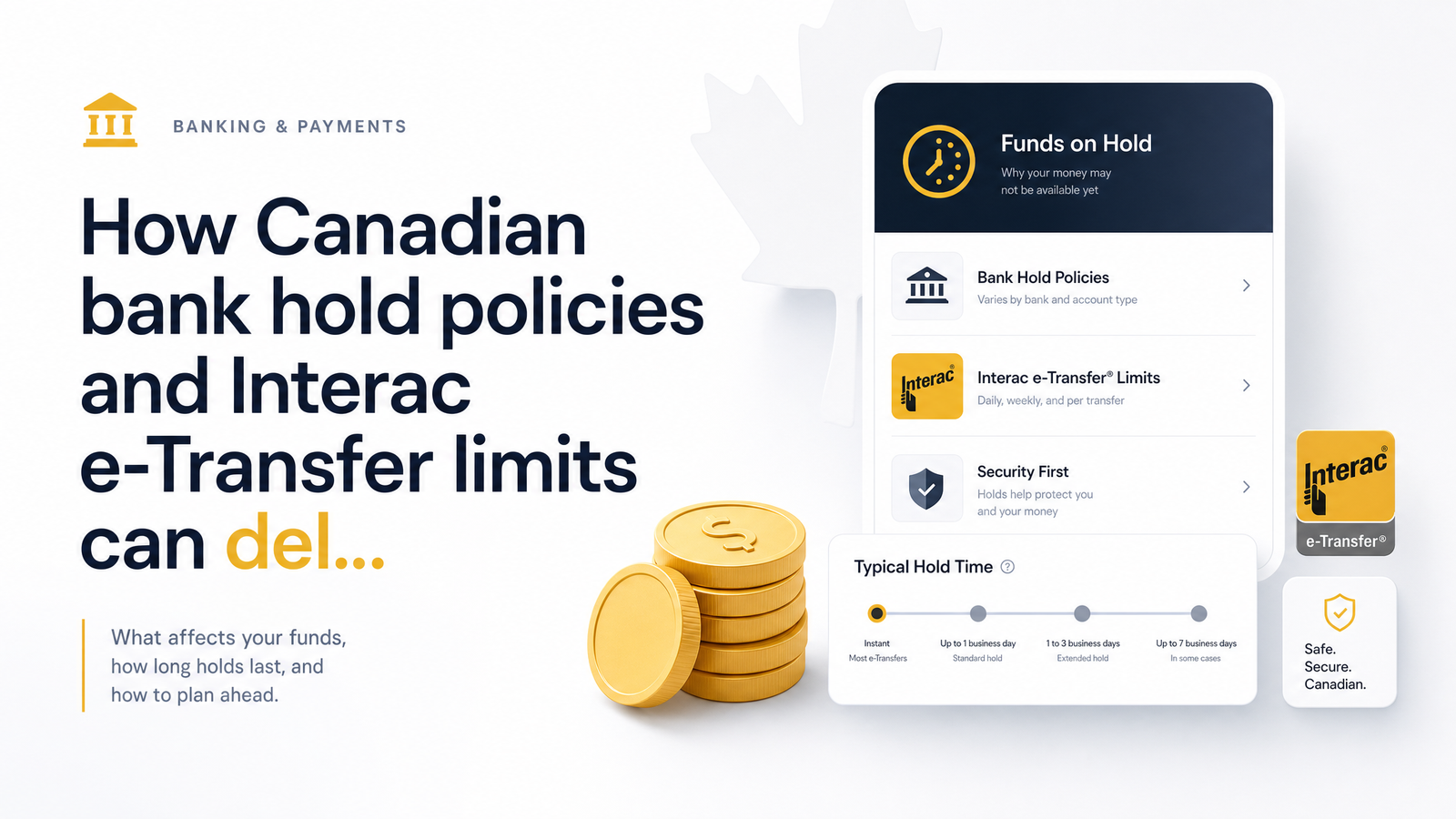
Do Banks Actually 'Hold' Interac e-Transfer Deposits?
This is the misconception at the root of most payout panic. Canadian banks apply funds-availability holds designed for cheques and certain EFT deposits — instruments that can bounce or reverse. Interac e-transfers work differently: money moves between institutions almost immediately once accepted, so there's no equivalent "clearing" period.
CIBC's deposit hold policy spells out which deposit types face standard holds — e-transfers, particularly ones accepted through Autodeposit, are typically excluded. That's the general bank hold policy Canada-wide: cheques and some EFTs get held, e-transfers usually don't.
"Usually" is the operative word. Banks still reserve the right to flag an incoming e-transfer for manual review if something looks unusual — a new sender, a larger-than-typical amount, or account activity that trips a risk model. So the honest answer to "does an Interac e-transfer get held" is: not through the standard cheque-hold mechanism, but yes, it can still be delayed by a fraud-review flag that behaves like a hold in practice, even if it isn't legally the same thing.
Interac e-Transfer Limits in Canada: What Actually Caps Your Payout
Every Interac e-transfer moves through limits set by your individual bank, not by Interac itself. Interac provides the rails; each institution decides how much its customers can send and receive per transaction, per day, per week, and sometimes per month. That's why two people at different banks can have very different experiences cashing out the same CashSprint balance.
These limits generally stack in tiers: a per-transaction cap, a rolling daily cap, a weekly cap, and sometimes a monthly ceiling. A full breakdown of Interac e-Transfer limits in Canada shows these caps exist primarily as fraud-prevention guardrails — the bigger the potential loss from a compromised account, the more conservative the limit.
Here's the part most "limits" articles skip because they're written for senders, not receivers: receiving limits are typically higher and more generous than sending limits. Banks are more cautious about money leaving an account than arriving — someone stealing your credentials wants to move money out, not deposit it in. So the e-transfer daily limit that matters for a CashSprint payout is your receiving limit, usually well above what a typical GPT payout would need. But "usually" isn't "always" — some institutions apply modest daily or weekly receiving caps, and if you've already received other transfers that day, a large CashSprint payout can push you over the line, get capped, or arrive split across more than one transfer. Invincible Pay's guide to how these limits stack covers per-transaction versus rolling caps in more detail.
5 Reasons Your CashSprint E-Transfer Payout Might Be Delayed
If your balance shows the redemption went through but the cash hasn't landed, one of these is almost always why:
- Autodeposit isn't set up. Without it, an incoming transfer sits waiting for you to open a notification email or text and answer a security question. If that message went to a rarely-checked inbox or spam folder, the money is parked, not lost.
- First-time-sender fraud review. If this is the first e-transfer CashSprint has sent to your account, your bank's automated risk system may flag it for manual review before releasing funds, even though the transfer is legitimate.
- You hit your daily or weekly receiving cap. Already received other transfers that day? A large CashSprint payout can push you past your limit and get held, capped, or split.
- Weekend or holiday processing gaps. Interac runs continuously, but bank-side verification and fraud-review teams often work standard business hours, so anything flagged Friday night waits until the next business day.
- Incorrect contact info on file. If the email or phone linked to your CashSprint account is outdated or mistyped, the notification never reaches you, and Autodeposit-less transfers can't be claimed.
Any one of these can delay a CashSprint Interac payout by anywhere from a few hours to a couple of business days, without anything having gone wrong on CashSprint's end.
How to Plan Your CashSprint Cash-Out Around Bank Limits
Most of these delays are avoidable with setup done before you hit "redeem," not after.
- Set up Autodeposit now, not when you're waiting on a payout. Log into your bank's app, register your email or phone number for Autodeposit, and confirm it matches the contact info on your CashSprint account. This eliminates the security-question bottleneck entirely.
- Check your bank's receiving limit before redeeming a large balance. A quick look at your bank's e-transfer settings or a call to customer service reveals your daily/weekly caps, telling you upfront whether a bigger cash-out will arrive whole or get split.
- Redeem mid-week rather than Friday night or before a holiday. This is the easiest fix for the best time to cash out GPT rewards in Canada: a Tuesday or Wednesday redemption gives any review process a full business day or two to clear before a weekend interrupts it.
- Split large redemptions if your bank's limit is tight. If your receiving cap is modest, cashing out in two smaller transactions on different days can be faster than one large transfer that trips a review.
- Ask your bank about increasing your limit. Many banks will raise a customer's e-transfer receiving limit on request, especially for accounts in good standing — worth a quick call if you regularly cash out larger CashSprint balances.
What to Do If Your Payout Still Hasn't Arrived
Give it a reasonable window first: one to two business days is normal for a flagged or reviewed transfer to clear, especially across a weekend. Before contacting anyone, run through this checklist:
- Check the spam/junk folder of the email tied to your CashSprint account for the deposit notification.
- Confirm Autodeposit is actually active for that email or phone number, not just set up on a different account.
- Log into your bank app and check for a pending or "in review" e-transfer notice.
- Verify the email and phone number on your CashSprint profile match what your bank has on file.
If you've done all that and it's still sitting after 48 business hours, reach out to CashSprint support with your redemption details so they can confirm the transfer was sent and check the reference number. This is normal e-transfer-taking-too-long troubleshooting in Canada, not a red flag on CashSprint's reliability — Is Cashsprint Legit? A Skeptic's Evidence-Based Review covers how the platform's payout track record holds up under scrutiny. If e-transfer delays are a recurring headache for your bank specifically, compare methods in Cashsprint Payout Options Ranked by Speed (2024 Guide) — PayPal or gift cards can sometimes clear faster depending on your setup. If payout friction factors into choosing where to earn at all, Cashsprint vs Survey Sites: The Honest Canadian Comparison is worth a read.
Before your next cash-out, take five minutes to confirm your bank's e-transfer receiving limit and make sure Autodeposit is switched on — that alone resolves most of the delays described here. Then aim to redeem mid-week rather than late Friday or right before a holiday. If e-transfer still isn't working smoothly for your bank, Cashsprint offers other payout methods worth comparing for speed.
Frequently Asked Questions
Why hasn't my CashSprint Interac e-Transfer payout arrived yet?
Most likely it's a bank-side factor: Autodeposit isn't set up, this is a first-time sender triggering a fraud review, you've hit your daily or weekly receiving limit, or the redemption happened over a weekend or holiday. CashSprint typically sends the transfer promptly, but the receiving bank controls how fast it's released to you.
Do Canadian banks put a hold on Interac e-Transfer deposits like they do on cheques?
No, not through the standard funds-availability hold process — that mechanism targets cheques and certain EFT deposits, not e-transfers. E-transfers, especially via Autodeposit, are generally excluded from those holds, though banks can still flag one for manual fraud review, which produces a similar delay in practice.
What is the typical daily limit for receiving an Interac e-Transfer in Canada?
There's no single nationwide figure — each bank sets its own per-transaction, daily, weekly, and sometimes monthly limits. Receiving limits are generally set higher than sending limits since banks are more cautious about money leaving an account than arriving into one.
Can I increase my Interac e-Transfer receiving limit?
Often, yes — many banks will raise a customer's receiving limit on request, particularly for accounts in good standing. Contact your bank directly through its app or customer service line before a large CashSprint redemption if you're unsure your current limit will cover it.
Why did my bank flag my CashSprint payout for review?
Automated risk systems flag transfers that look unusual compared to your normal account activity — a first-time sender, an amount larger than what you typically receive, or unusual timing can all trigger a manual review. This isn't a sign of a problem with CashSprint; it's a standard fraud-prevention step some banks apply to new deposit sources.
Is it better to cash out on a weekend instead of a weekday?
Weekdays are better — redeeming mid-week gives any review process a full business day or two to clear before a weekend or holiday pauses bank-side verification. Cashing out Friday night or the day before a holiday is the most common reason a CashSprint payout appears delayed until the next business day.