
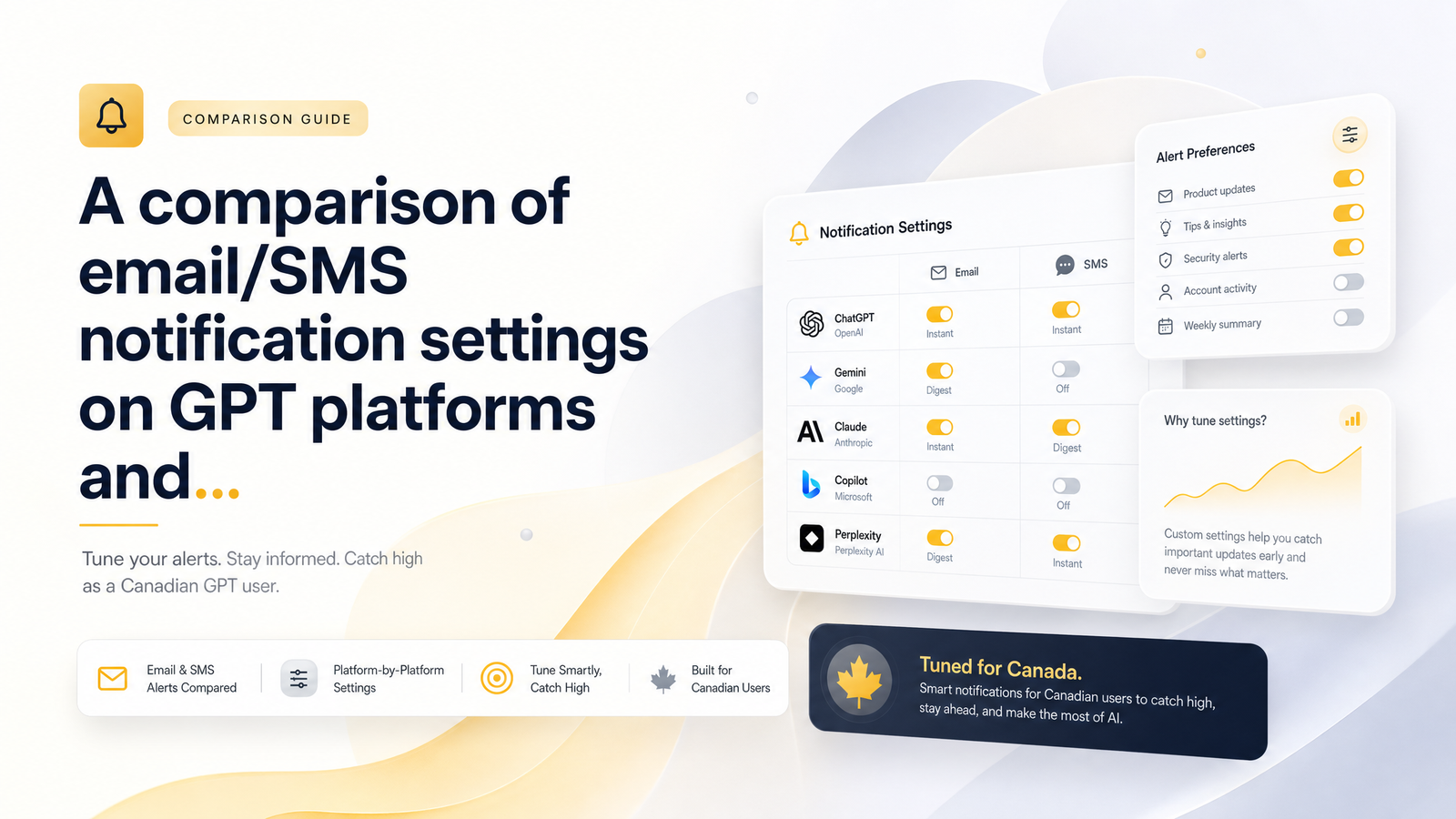
Why Notification Settings Decide Who Gets the Best Surveys
Most high-paying surveys on GPT (get-paid-to) platforms are first-come, first-served in practice. A market research firm needs 200 Canadian respondents for a $6 survey, the offer goes live, and within minutes the quota fills. Everyone who applied after gets "survey quota filled." That's not bad luck — it's a notification problem.
The earning potential on these platforms is real — other content covers how much you can actually earn taking surveys in Canada. What almost nobody explains is the mechanical layer underneath: GPT survey notifications in Canada are the actual gatekeeping mechanism. If your alert arrives five minutes after a quota-limited offer opens, your settings were slow, buried, or off. Notification tuning is a skill you build once and maintain, not a checkbox you tick during signup and forget.
Email vs SMS vs Push: Which Channel Actually Gets You There First
Each channel has a different speed-to-reliability tradeoff, and understanding this matters more than picking a "favorite."
Email is the most detailed channel — subject lines can tell you the payout, topic, and estimated time — but it's also the slowest and least reliable. GPT app email notifications routinely get delayed by spam filters, sorted into a Promotions tab, or throttled by your provider's bulk-mail rules. By the time you see it, a quota-limited survey may already be gone.
SMS is fastest for time-sensitive alerts, typically arriving within seconds and landing directly in your default messaging app with no folder to get lost in. The tradeoff is detail: most texts just give a payout amount and a link. For anything quota-limited, speed usually beats detail.
Push notifications sit in between. They're fast and land on your lock screen, and they don't count against SMS limits — but they only work if the app is installed, notification permissions are granted, and your phone isn't in a battery-saving mode that delays background delivery. Push is often the best long-term option once properly configured, but it's also most likely to be silently broken by an OS update or a revoked permission.
The practical framework: use SMS or push as your speed layer for anything time-sensitive, and treat email as your record-keeping layer for offers you can revisit later.
How to Tune Your Settings So You See High-Payers First
Getting alerted fast is a setup problem, solvable in about ten minutes per platform.
- Whitelist the sender. Add the platform's sending domain to your email contacts, and save any alert phone number under a recognizable name so your phone doesn't flag it as unknown. This single step fixes most spam-folder delays.
- Turn on high-value-only filters where they exist. Some platforms let you set a minimum payout threshold so you're only pinged for surveys above a certain dollar amount, cutting notification fatigue without missing what matters. Check your CashSprint notification settings under account preferences to confirm which filters are available.
- Set quiet hours deliberately, not by default. Consider leaving push notifications always-on for your top one or two platforms and reserving quiet hours only for lower-value ones.
- Create a dedicated inbox label or folder. A simple "GPT" or "Surveys" label with an auto-filter rule keeps alerts visible instead of drowning in general inbox traffic.
- Enable lock-screen previews for push. Without previews, you have to unlock and open the app to see the notification — an extra step that costs seconds you don't have when a quota is limited.
None of this requires technical skill, but it does require doing it once, deliberately, for every platform you actually use.
The Canadian Consent Layer: Why You Have to Opt In (and Can Opt Out Just as Easily)
If you've wondered whether it's normal — or legal — for a GPT platform to text or email you in Canada, the short answer is yes, provided they follow the rules. Canada's Anti-Spam Legislation (CASL), enforced with guidance from the CRTC, requires businesses to get your express consent before sending commercial electronic messages, clearly identify themselves in every message, and include a working unsubscribe mechanism. That's why you had to actively opt in to alerts during signup rather than being enrolled automatically — GPT survey notifications in Canada only exist because you gave permission.
CASL's unsubscribe requirement has a practical timeline: businesses generally must honor an unsubscribe request within 10 business days, as Mailchimp's plain-language breakdown of CASL explains. So if alerts ever feel excessive, you can dial them back or turn them off without hunting through a support ticket queue. For readers still weighing whether a platform's overall practices hold up, it's worth reading a more general evidence-based review of CashSprint's legitimacy before opting into anything.
The consent requirement is a feature, not friction: it means opting in is what unlocks the fast lane. A platform legally can't blast you with alerts you didn't agree to, so if you want first access to high payers, toggling consent on is a prerequisite, not an afterthought.
Common Notification Mistakes That Cost Canadians Real Money
A handful of avoidable errors account for most missed high-paying surveys:
- Notifications left disabled by default after signup. Many platforms require you to opt in a second time inside account settings — the initial signup toggle doesn't always activate everything.
- Alerts buried in spam or promotions folders. Without a whitelist or filter rule, legitimate messages get auto-sorted where you'll never see them in time.
- Using an outdated phone number. If you've switched carriers or numbers and never updated your profile, SMS alerts are going nowhere — check this before assuming the platform stopped sending them.
- Ignoring the app permission prompt. On Android and iOS, declining the notification permission the first time means push alerts are silently off until you manually re-enable them in your phone's settings.
- Running several GPT apps with every channel muted the same way. Treating notifications identically across platforms means missing the low-frequency, high-value alerts lost in a sea of low-value ones.
The fix for most of these takes less time than reading this paragraph did — it just requires knowing where to look.
Building a Simple Daily Alert Routine
Settings only work if you actually check them, so pair your notification setup with a repeatable routine rather than relying on alerts alone.
A workable pattern for most Canadian GPT users: check first thing in the morning (many surveys refresh quotas overnight), again around midday when a second wave of offers typically opens, and once more in the evening before offer walls reset for the next day. For your top one or two highest-earning platforms, leave push notifications always-on so a time-sensitive, high-paying survey reaches you outside that routine too. If you're also using offer walls and notice offers that don't credit even after clicking through promptly, that's usually a tracking issue rather than a notification one — worth reading up on why offer wall tracking sometimes fails to register in Canada so you don't confuse the two problems.
The best time to check GPT offers isn't a single fixed hour — it's whatever three-times-a-day rhythm you can actually sustain, backed by push notifications catching the gaps in between.
Frequently Asked Questions
Why did my GPT survey notifications suddenly stop coming?
The most common causes are a revoked app permission after a phone update, an outdated phone number on file, or messages silently routing to a spam or promotions folder. Check your phone's notification settings for the app first, then confirm your contact details are current in your account profile.
Is it safe to give a GPT platform my phone number for SMS alerts in Canada?
Yes, as long as the platform is CASL-compliant, meaning it obtained your express consent, identifies itself clearly in messages, and provides a working unsubscribe option. Canada's Anti-Spam Legislation, overseen by the CRTC, applies to both SMS and email commercial messages, so legitimate platforms are legally required to follow these rules.
What's the fastest notification channel for catching high-paying surveys?
SMS is typically fastest because messages land directly in your default messaging app without a folder to filter through. Push notifications are a close second when app permissions and lock-screen previews are properly enabled; email is slowest due to spam filtering and inbox sorting delays.
Can I choose to only get notified about high-value surveys instead of every offer?
Many platforms, including CashSprint, offer filtering options in account settings that let you set a minimum payout threshold for alerts. This cuts down on notification fatigue while still ensuring you're pinged when a genuinely high-paying, quota-limited survey opens.
How many times a day should I check my GPT apps if I turn off notifications?
Three checks — morning, midday, and evening — cover most quota refresh cycles across platforms. If notifications are fully off, this routine is your fallback; if they're on, checking in still helps you catch anything a notification missed.
Do Canadian GPT platforms have to let me unsubscribe from alerts easily?
Yes, CASL requires a functional unsubscribe mechanism in every commercial email or text, and businesses generally must process opt-out requests within 10 business days. You can scale back or fully stop alerts at any time without needing to contact support.
Notification settings are worth two minutes of your time right now, not after the next high-payer closes without you. Log into Cashsprint, open your account preferences, and confirm both email and SMS opt-ins are active and pointed at your current contact details. Once you're catching more offers, it's also worth checking which CashSprint payout option gets your money to you fastest and looking at the compliant CashSprint referral program as another way to grow your earnings.