
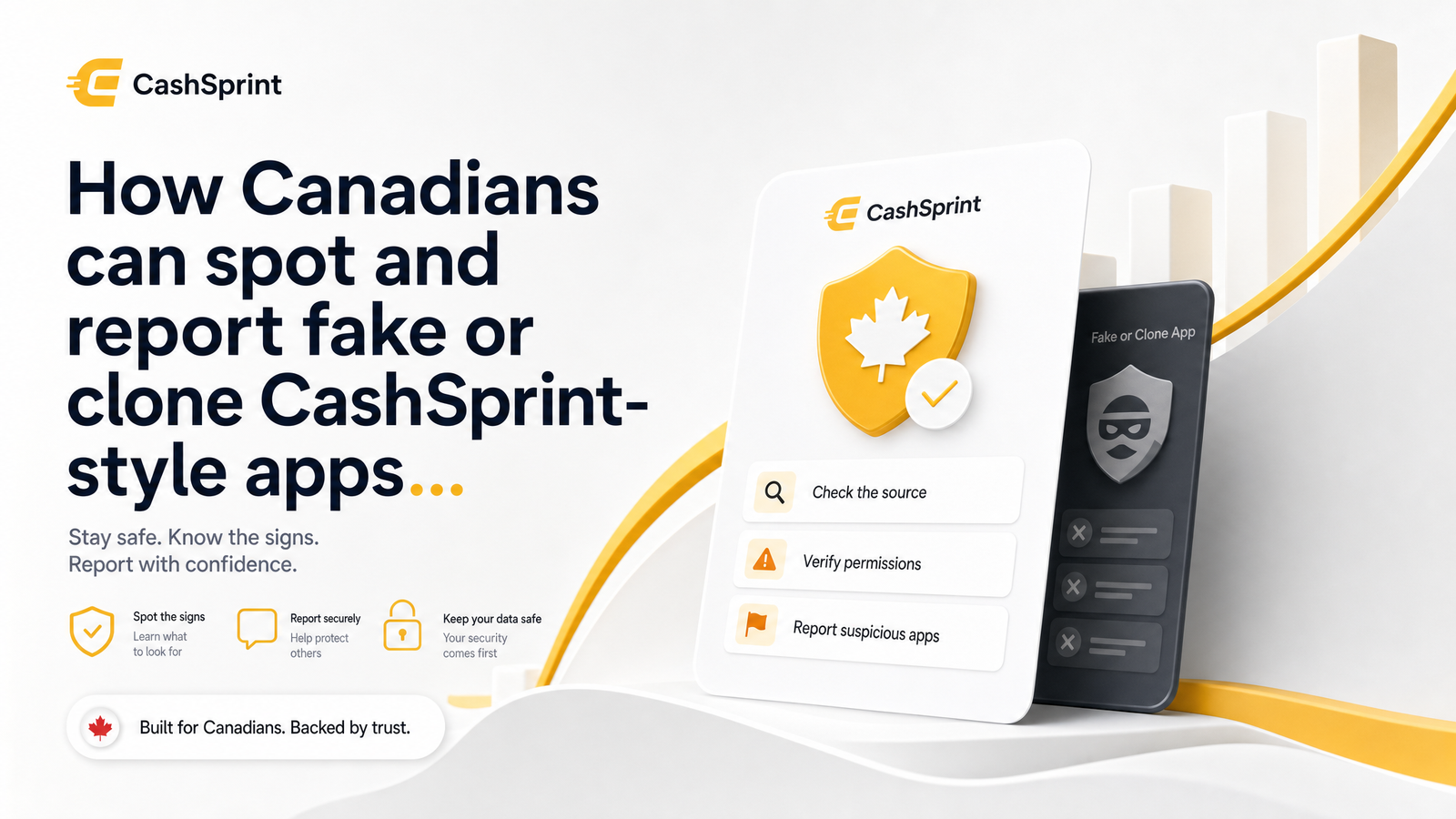
Canadians looking to earn extra cash through surveys, games, and cashback offers are increasingly running into clones built to steal information or money instead of paying anyone back. A GPT app scam in Canada usually starts the same way — a lookalike app icon, a domain that's almost right, and a promise of payouts too large to be real.
Why Fake GPT Apps Target Canadians
Get-paid-to platforms are an attractive template for fraud because they already involve exchanging personal details, banking information, and small amounts of money for tasks. That makes a phishing site posing as a GPT platform far less suspicious than, say, a fake bank login page appearing out of nowhere. Scammers copy the branding, promise faster and bigger payouts than any legitimate platform offers, and count on people rushing through sign-up without checking the domain or developer name.
The scale of this problem isn't hypothetical. The CRTC has flagged a sharp rise in phishing scams sent by text message, warning that fraudulent messages impersonating trusted brands and services are climbing year over year, as reported by Global News. GPT and rewards apps fit this pattern — familiar enough to feel safe, financial enough to be worth impersonating.
Cloning a GPT app gives scammers two things: personal and payout information they can resell or exploit directly, and in some cases small upfront "activation" or "unlock" fees from users who believe they're one step from a payout. Either way, the fake app doesn't need many victims to make cloning worthwhile — just a convincing enough copy of a real brand like CashSprint.
Red Flags of a Fake or Clone GPT App
Clone GPT apps have their own specific tells beyond generic scam advice like bad grammar. Run through this checklist before trusting any app or link claiming to be a rewards platform:
- Upfront payment requests. A legitimate GPT platform pays you for completing tasks; it never asks you to pay a fee, "verification deposit," or subscription to unlock earnings. Any clone app asking for upfront fees before withdrawal is a scam, full stop.
- Impossible earning claims. Screenshots showing hundreds of dollars for a few minutes of surveys are staged. Real GPT payouts are modest and tied to actual task volume — if the numbers look like a jackpot, they're bait.
- Lookalike names and URLs. Watch for domains and app names that are almost right — extra letters, hyphens, a different domain extension, or a developer name that doesn't match the real one. This is the single most common get-paid-to scam warning sign and the easiest one to miss on a phone screen.
- No real support contact. Legitimate platforms have a working support channel and a public help section. If an app only offers a generic email or no contact method at all, treat it as unverified.
- Excessive permissions. A survey or cashback app has no reason to request access to your contacts, SMS messages, or device admin settings. Excessive permission requests are a strong sign the app is harvesting data beyond what it needs.
- Pressure to sideload an APK. Any app urging you to download an APK file directly instead of installing through Google Play or the Apple App Store is bypassing the security review those stores perform. That pressure alone is a red flag for a fake CashSprint app or any clone GPT app.
How to Verify You're on the Real CashSprint
Before entering any personal detail or payout information, confirm three things.
First, check the exact URL. The genuine platform is only at cashsprint.ca — not a variation with extra words, dashes, or a different top-level domain. If a link claiming to be CashSprint takes you anywhere else, close it.
Second, check the app store listing itself. Look at the developer name, the number of reviews, and whether the listing matches the branding on cashsprint.ca. Scam listings are often new, have few reviews, or list an unrelated developer.
Third, cross-reference what you're seeing against CashSprint's own documentation. The Cash Sprint App: What CashSprint.ca Really Is article lays out exactly what the legitimate platform looks like, how it operates, and what to expect — a useful baseline for spotting anything that doesn't match. If you're also weighing whether the platform itself is trustworthy, Is Cashsprint Legit? A Skeptic's Evidence-Based Review walks through that evidence separately, so this article can stay focused on spotting impersonators.
The simplest rule: never enter payout or login information via a link sent in an unsolicited text, email, or social media ad. Type cashsprint.ca into your browser directly or use a bookmark you created yourself. If you reached a page through an ad or forwarded message rather than a direct search or bookmark, treat it as unverified until you've checked the URL and app store listing yourself.
How to Report a Fake App or Phishing Site
Reporting an app or site impersonating CashSprint or any GPT platform protects other Canadians and creates a record authorities and platforms can act on. Here's the workflow.
1. Flag the app in the store where you found it. On Google Play, open the app's listing, tap the three-dot menu, and select "Flag as inappropriate," choosing the option for scam or impersonation. On the Apple App Store, open the app page, scroll to "Report a Problem," and select the option describing fraudulent or misleading behaviour. Be specific — mention that it impersonates a legitimate GPT/rewards platform and note any upfront fee requests or fake payout claims you saw.
2. Report the domain to its host or registrar. If you've found a phishing site rather than an app, look up the domain's registrar or hosting provider (a WHOIS lookup will usually show this) and use their abuse-reporting contact or form. Include the URL, screenshots if you have them, and a short description of the impersonation.
3. File a report with the Canadian Anti-Fraud Centre. This is the step Canadians most often skip, assuming it only matters if they lost money. It doesn't. The Canadian Anti-Fraud Centre collects reports on fraud and impersonation specifically to track patterns and support investigations, and the Government of Canada confirms Canadians should report scams even when they weren't victimized — your report still adds to the data that helps flag repeat offenders. It takes a few minutes online and doesn't require proof of financial loss.
Together, these three steps — app store flag, host abuse report, CAFC report — form a complete workflow for reporting a scam app in Canada, whether it showed up as a downloadable app or a phishing site posing as a survey platform.
If You've Already Interacted With a Fake App
If you've already downloaded a clone app, entered information, or paid a fee it demanded upfront, act quickly and in this order:
- Uninstall or delete the app immediately. Don't leave it on your device even if it seems inactive.
- Change passwords on any account you used the same login for, especially email, banking, and other GPT or rewards accounts, and enable two-factor authentication wherever available.
- Monitor your bank and Interac activity closely over the following weeks. Watch for small, unfamiliar transactions — these are sometimes tests scammers run before larger unauthorized charges.
- Contact your financial institution if you shared banking details or an Interac e-transfer contact, so they can flag your account and watch for suspicious activity.
- Notify CashSprint support directly if the fake app or site impersonated the CashSprint brand specifically. This lets the real platform warn other users and pursue takedown action on the clone.
A clone app asking for an upfront fee or a phishing site posing as a survey app both rely on speed — the sooner you cut off access and change credentials, the less there is for a scammer to exploit.
Frequently Asked Questions
How do I know if I'm on the real CashSprint website and not a clone?
Check that the URL is exactly cashsprint.ca with no extra words, hyphens, or different domain extension. Only enter login or payout information after typing the address directly into your browser or using your own bookmark — never through a link from an unsolicited text, email, or ad.
What should I do if I already entered my login or payment info on a fake GPT app?
Uninstall the app immediately, change the password on any account that shared that login, and enable two-factor authentication. Then monitor your bank and Interac activity for unfamiliar transactions and contact your financial institution if banking details were involved.
Is it normal for a legitimate GPT platform to ask for money upfront?
No. Legitimate GPT and rewards platforms pay users for completing tasks and never require an upfront fee, deposit, or subscription to access earnings. Any app demanding payment before you can withdraw is a clone or scam, not standard practice for this industry.
Where do I report a fake app I found on the Google Play Store or App Store?
Use the in-app reporting tools: Google Play's "Flag as inappropriate" option and the Apple App Store's "Report a Problem" feature, both accessible from the app's listing page. You should also file a report with the Canadian Anti-Fraud Centre, since it tracks impersonation and fraud reports nationally.
Can a phishing site actually pay out real cash or gift cards to lure people in?
Some do, on a small scale, specifically to build trust before asking for an upfront fee or more sensitive personal information. A small real payout early on doesn't prove a platform is legitimate — it's a tactic some clone sites use deliberately to lower your guard.
Who in Canada handles reports of phishing sites and fake apps?
The Canadian Anti-Fraud Centre is the national body that collects and tracks reports of fraud, phishing, and impersonation, including fake apps and cloned websites. The Government of Canada confirms Canadians should report scams to CAFC even if they weren't personally victimized, since every report helps build the pattern data used in investigations.
Always reach CashSprint through the official Cashsprint URL or a verified app store listing, and bookmark it so you're never relying on a forwarded link. Before trusting anything claiming affiliation with CashSprint, check the legitimacy review and the platform's own explainer article to confirm what the real thing looks like. If you spot a clone app or phishing site using the CashSprint name, report it through the steps above and let CashSprint support know so other users can be warned too.