
Most advice about GPT (get-paid-to) platforms frames desktop and mobile as competitors — which one is "better" for surveys, which one is "better" for cashback. That framing misses the real problem. A GPT routine that mixes desktop and mobile Canada earners can trust isn't about picking a winner; it's about knowing which device owns which task, and never handing an unfinished task to the other one. Attribution is cookie- and session-based, which means the moment you start an offer on your phone and finish it on your laptop, you risk becoming invisible to the system that's supposed to pay you.
This guide treats desktop and mobile as one workflow, not two options. Follow the device-assignment logic below and you stop losing credit to something as avoidable as switching screens mid-task.
Why Offer Credit Gets Lost When You Switch Devices Mid-Task
Surveys, offer walls, and cashback links rely on tracking built for a single continuous session — not a user who starts on a phone during a commute and finishes on a laptop an hour later. When you click into an offer, a tracking cookie or session ID is dropped on that specific browser or app instance, telling the advertiser's or survey router's system "this click belongs to this user, on this platform, and should be credited accordingly."
Switch devices before the offer completes, and that identifier doesn't travel with you. Your phone's browser has one cookie; your laptop's browser has none — or a different one entirely. From the advertiser's point of view, two disconnected sessions occurred, not one continuous action, so the completion event has nothing to attach to. This is a well-documented weakness in cookie-based tracking generally: as cookie restrictions and cross-device browsing have increased, conversion tracking has become measurably less reliable whenever a session breaks partway through. The same logic applies to affiliate-style attribution used by offer walls and survey routers, where links, pixels, and server-side tracking methods all depend on a consistent signal from click to completion.
Offer walls are especially sensitive because they route you through multiple third-party redirects before you land on the actual survey or app install. Each redirect is another point where a device mismatch can sever the chain. So when a Canadian user asks why a survey didn't credit after finishing on a different device than they started on, the honest answer is almost always: the tracking chain broke in those redirects, not that the platform declined to pay.
The One Rule: Finish What You Start on the Same Device
If you take one habit from this article, make it this: one task, one device, start to finish. Don't open a survey on your phone, get interrupted, and resume it on your desktop. Don't click a cashback shopping link on your laptop and finish checkout on your phone's app. Treat every offer, survey, or cashback click as a closed loop that lives entirely on the device where it started.
Not everything is this fragile. Your CashSprint account balance, reward history, and daily login streaks are stored at the account level on CashSprint's servers, not tied to a single device's cookies. Check your dashboard from your phone in the morning and again from your laptop that night, and your balance and streak will show up correctly either way, because that data syncs through your login, not browser session tracking. The fragile part is strictly the in-progress task: the individual survey, offer, or cashback click that's mid-flight and hasn't yet reported completion back to CashSprint.
This distinction also explains a common source of confusion between app-based and browser-based tracking. A GPT mobile app and a desktop browser can both be logged into the same account safely, but an offer wall opened inside the app and continued in a mobile browser (or vice versa) is functionally a device switch, even though it's technically the "same phone." The tracking identifier lives with the app or browser instance, not with the physical device.
Build Your Weekly GPT Routine: A Device-Assignment Template
Once you accept that tasks belong to devices, not schedules, building a weekly GPT routine desktop and mobile users can actually stick to becomes straightforward. Assign task types to the device best suited to complete them in one sitting, and build your week around short mobile touchpoints plus longer desktop sessions.
Mobile — quick, self-contained tasks:
- Daily login and streak check-ins (30 seconds, done first thing)
- Short games and app-based mini-tasks that resolve in one sitting
- Checking your CashSprint dashboard for new offers, expiring bonuses, or balance updates
- Quick cashback purchases you know you'll complete in one checkout, like a single-item order
Desktop — longer or multi-step tasks:
- Full survey router sessions, especially anything advertised as 15+ minutes, since these are most likely to include a mid-survey redirect that resets on a device switch
- Offer wall completions that require account creation, app downloads to a separate device, or multi-page forms
- Cashback shopping trips involving comparison browsing, multiple tabs, or larger purchases where you might pause partway through
- Any task you suspect you won't finish in one uninterrupted sitting — desktop lets you leave a browser tab open safely without switching hardware
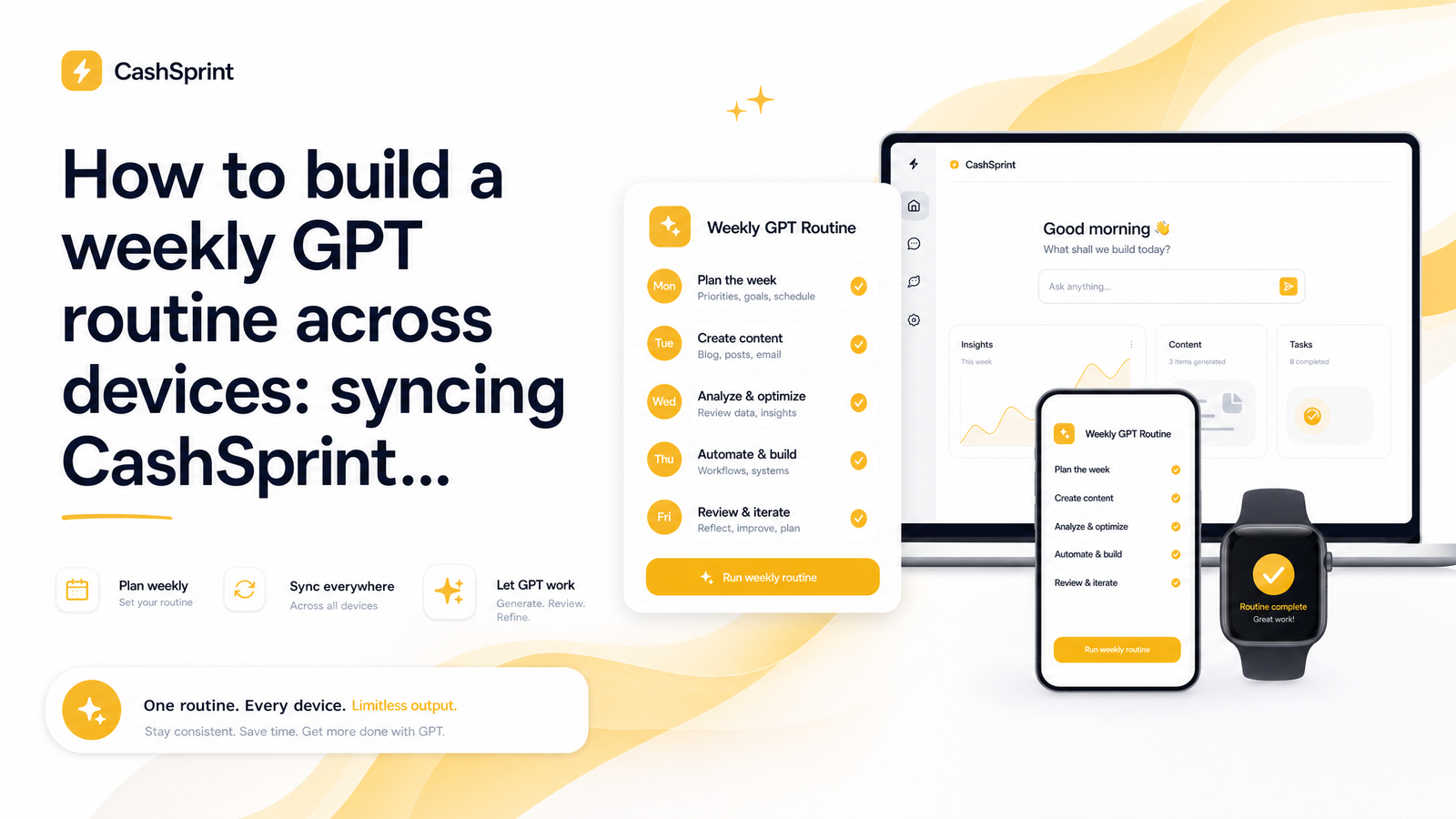
A workable weekly shape looks like this: check in on mobile each morning for your streak and to scan the CashSprint dashboard for anything time-sensitive. Reserve one or two longer desktop sessions — say, Tuesday and Saturday evenings — for surveys and offer walls that need real focus. Use mobile again in the evenings only for tasks you can finish before putting the phone down, like a five-minute game or a cashback link for something you're buying right then. If a survey looks long or an offer wall redirect looks complicated, wait until your desktop session rather than starting it on the fly.
The point of a fixed schedule isn't rigidity for its own sake — consistent timing protects daily bonuses and streaks that expire on a clock, while consistent device assignment protects the credit itself.
Settings That Protect Your Tracking on Both Devices
A few browser and network habits matter more once you understand that tracking depends on session continuity.
Avoid private or incognito browsing for anything beyond quickly checking a balance. Private windows often block or immediately clear the cookies that offer walls and survey routers rely on, which can prevent a completion from ever being recorded, even if you never switch devices at all.
Don't switch Wi-Fi networks or toggle a VPN partway through a survey or offer. A change in IP address mid-session can look, from the advertiser's side, like a different user picked up where the first one left off — exactly the kind of signal that suppresses credit or triggers a fraud review.
Keep one browser as your CashSprint "home base" on each device — the same browser, with cookies enabled, every time you do GPT tasks. If you normally use Chrome on your laptop for CashSprint, don't occasionally switch to Firefox or Edge for the same account; that fragments your session history unnecessarily.
Logging into the same CashSprint account from a phone, laptop, and tablet is fine on its own — plenty of households run one account across multiple family devices without issue. What actually raises flags is simultaneous or automated activity: multiple devices completing offers on the same account at the same time, or scripted behavior that mimics a bot. Sequential, human-paced use across your own devices is normal and expected.
What to Do If You Still Lose Credit
Even with a clean routine, occasional missing credit happens — sometimes an advertiser's tracking has a bad day independent of anything you did. If you suspect lost offer credit, don't immediately retry the same survey or offer, since duplicate attempts can complicate the eventual investigation.
First, note the time you started and finished the task, and whether you switched devices, networks, or browser modes at any point. Screenshot the offer or survey confirmation page if you reached one, even if the credit never appeared on your dashboard. Most GPT platforms, CashSprint included, have a standard waiting period before missing credit is escalated, usually because the platform is waiting on confirmation from the advertiser or survey network. Submit a support ticket with your timestamps and screenshots rather than waiting indefinitely, since unreported issues are much harder to trace after the fact.
If a support inquiry surfaces a security or suspension review because of multi-device login patterns, don't panic — this is typically resolved by confirming it's genuine sequential use rather than automated activity. Once your credit and account status are settled, it's worth reviewing how you plan to receive your earnings: Interac e-Transfer, PayPal, and gift cards all have different processing windows, and understanding payout options ranked by speed helps you choose the right method before you're waiting on a withdrawal.
Start or restart your week the same way: log into Cashsprint on one primary device first, check your active offers and streak status, and only then decide which tasks move to desktop and which stay on mobile. That single check-in keeps your whole weekly routine — and your credit — intact.
Frequently Asked Questions
Why does an offer or survey sometimes not credit after starting on one device and finishing on another?
Offer walls and survey routers track completions using cookies or session IDs tied to the specific browser or app you started on. Switching devices mid-task breaks that identifier, so the advertiser's system sees two disconnected sessions instead of one continuous action and has nothing to attach the completion to. This is a known limitation of cookie-based attribution generally, not a platform-specific error.
What determines whether a GPT task should be done on mobile vs desktop?
Task length and complexity are the deciding factors. Short, self-contained actions like daily check-ins, streaks, and quick games work fine on mobile, while longer surveys, multi-step offer walls, and cashback shopping sessions are safer on desktop, where you're less likely to get interrupted and switch devices before finishing.
How can a Canadian user structure a repeatable weekly routine across both devices?
Assign quick, one-sitting tasks to mobile for daily check-ins, and reserve one or two longer desktop sessions per week for surveys and offer walls that need focused, uninterrupted time. Keeping the timing consistent protects time-sensitive bonuses and streaks, while keeping the device assignment consistent protects the underlying tracking.
Is it safe to use the same CashSprint account on a phone, laptop, and tablet?
Yes, using one account across multiple personal devices is normal and doesn't trigger fraud flags on its own. What raises concern is simultaneous or automated activity across devices at the same time, not sequential, human-paced use of your own phone, laptop, and tablet.
What browser/app settings help preserve tracking when switching devices mid-task?
Avoid private or incognito browsing during active offers, since it often blocks the cookies tracking relies on, and don't switch Wi-Fi networks or toggle a VPN mid-session, as a changed IP address can disrupt attribution. Sticking to one consistent browser as your CashSprint "home base" on each device also helps keep session tracking intact.