
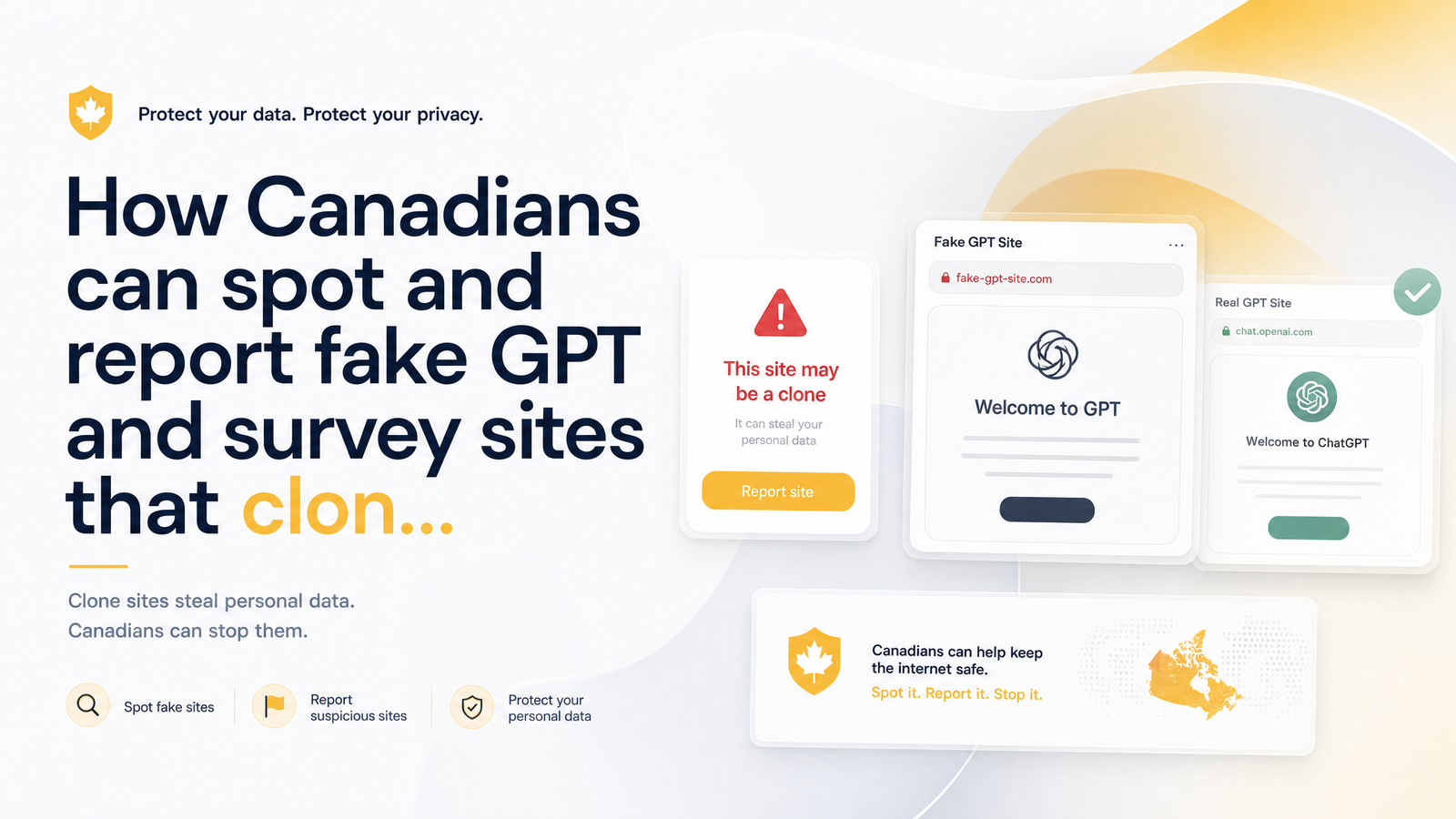
Canadians earning extra money through surveys, offers, and cashback apps are increasingly running into convincing copies of legitimate platforms designed to steal personal and financial data. A fake GPT sites Canada scam typically works by cloning a trusted brand's look and payout promises, then harvesting the information users hand over expecting a real reward. This guide breaks down how those clones are built, the checklist to verify a site is genuine, and the steps to report one — including what to do if you've already entered your details.
How Scammers Clone Legit GPT Sites Like CashSprint
A clone isn't just a competitor with a clunky interface — it's a deliberate impersonation. Scammers copy logos, color schemes, page layouts, and even blog content from a real GPT platform, then host it on a lookalike domain that's one letter or one extension off from the original (think cashsprint-rewards.com instead of cashsprint.ca). Because GPT platforms already ask users to submit email addresses, banking or Interac details, and sometimes ID for payout verification, users are conditioned to hand over exactly the kind of information a scammer wants.
Clone website scam Canada operations often go further than the browser, building fake mobile apps distributed outside official app stores and sideloaded through direct APK links or third-party repositories, mimicking the real platform's icon and name. A recent Malwarebytes report on a fake ChatGPT download site shows how sophisticated this infrastructure has become — attackers built a nearly pixel-perfect clone of a trusted brand's download page, serving malware instead of the real software. The same tactic applies directly to GPT and reward platforms: a domain that looks right, a page that feels right, and a download link that isn't right at all. Recognizing these GPT scam warning signs early is the difference between cashing out safely and losing your data.
7 Red Flags That Reveal a Fake GPT or Survey Site
Before entering any personal information, run through this checklist. Legitimate platforms pass every point; clones usually fail several at once.
- Mismatched or misspelled domain. Extra words, hyphens, or a different top-level domain (.com instead of .ca, or vice versa) than expected.
- No HTTPS or a broken padlock icon. A missing or invalid SSL certificate means your connection isn't encrypted — a basic requirement for any site handling payout data.
- Unrealistic payout promises. Huge cash rewards for minimal effort, or payout speeds far faster than real platforms advertise.
- Upfront fees. Genuine GPT platforms pay you — they never ask you to pay an "activation," "processing," or "verification" fee to unlock earnings.
- Excessive permissions at signup. Requests for your full banking login, SIN, or device-level permissions unrelated to running surveys or offers.
- No verifiable company info. No physical address, no working support contact, no About page that holds up to a quick search.
- Pressure tactics and urgency. Countdown timers, "your reward expires in 10 minutes," or messages pushing you to act before you can think it through.
This is essentially how to spot a fake survey site in practice: it's rarely one glaring red flag, it's two or three of these stacking up together. If you're asking "is this survey site legit?", running through all seven points takes less than two minutes and should be routine before entering payout details. Fake reward apps stealing data tend to fail the app-store check specifically — see the next section on how that plays out.
What Fake Sites Do With Your Data
The data collected on a cloned platform doesn't stay contained to that one form. Email addresses and passwords get tested against other accounts, since many people reuse logins. Banking or Interac details entered on a fake payout form can be used directly or resold. Anyone who submits ID "for verification" hands attackers the raw material for identity theft, including opening credit lines or filing fraudulent tax returns in your name.
Beyond the initial theft, victims of a fake GPT sites Canada scam often report a second wave: phishing emails or texts that reference details from the fake signup, making follow-up scams look more credible because they already know your name, email, or the platform you thought you'd joined. This is one of the clearest GPT scam warning signs after the fact — if you start getting oddly specific follow-up messages referencing a site you signed up on, treat that as confirmation the original site wasn't legitimate.
How to Verify You're on the Real CashSprint
Before entering any information on a platform claiming to be CashSprint, confirm the basics:
- Check that the URL is exactly cashsprint.ca — no extra words, hyphens, or alternate extensions.
- Bookmark the real site once confirmed, and always return through that bookmark rather than a search result or a link from an email or social media message.
- Confirm the padlock/HTTPS indicator is present and valid.
- Cross-check what you're seeing against CashSprint's own documentation, detailed in Cash Sprint App: What CashSprint.ca Really Is.
- If unsure whether the platform overall is trustworthy, review Is Cashsprint Legit? A Skeptic's Evidence-Based Review.
- Compare any payout claims against realistic timelines — CashSprint's actual payout speeds by method are laid out in Cashsprint Payout Options Ranked by Speed (2024 Guide). If a site claiming to be CashSprint promises something faster or bigger than what's documented there, that's a strong signal it isn't the real platform.
Verify CashSprint official site status the same way you'd verify any financial-adjacent platform: through its own published channels, not through a link someone else sent you.
How to Report a Fake GPT Site in Canada
If you've identified a clone, reporting it protects you and helps get the site flagged or taken down before it reaches more people.
- Document everything first. Screenshot the URL bar, the homepage, any payout or signup forms, and note the date you found it. The Competition Bureau's guidance on reporting fraud and scams recommends capturing this evidence before the site can be taken down or altered.
- Report to the Canadian Anti-Fraud Centre. File a report directly through the Canadian Anti-Fraud Centre's official reporting page, the national body responsible for tracking fraud patterns across Canada.
- File through the joint federal portal. Submit the same details to Report Cybercrime and Fraud - Canada.ca, the RCMP/CAFC joint reporting system, which routes cybercrime reports for investigation.
- Notify your financial institution if you entered any banking, credit card, or Interac information, even if you're not certain money moved.
- Report it to the impersonated platform. Let the real company know a clone is circulating using their branding — they can warn other users and pursue takedown action with hosting providers and domain registrars.
A report fake website Canada submission through these official channels is the fastest legitimate path to action — a Canadian Anti-Fraud Centre report scam website filing gets logged into a national database used to identify repeat offenders and scam networks, not just individual incidents.
Already Entered Your Info? Do This Next
If you've already submitted details on a site you now suspect was fake, move quickly:
- Change your passwords immediately — starting with that account and any others where you reused the same password.
- Contact your bank or Interac provider directly if you entered payment or e-Transfer details, and ask them to flag or freeze anything necessary.
- Enable two-factor authentication on your email and financial accounts if it isn't already active.
- Monitor your accounts and credit report closely over the following weeks for unfamiliar activity.
- File your CAFC report using the process above — even after the fact, it helps authorities track the fake GPT sites Canada scam pattern and warn others.
None of these steps undo what's already been submitted, but acting within hours rather than days significantly limits what an attacker can do with stolen credentials.
Frequently Asked Questions
How can I tell if a GPT or survey site is a fake clone and not the real thing?
Check the exact domain spelling, confirm a valid HTTPS padlock, and compare payout promises against what the real platform actually offers. Clones typically fail on at least two of these points, plus show excessive signup permissions or missing company contact information.
What personal information do fake GPT sites usually try to steal?
Email addresses and reused passwords, banking or Interac e-Transfer details submitted as "payout information," and sometimes government ID collected under the guise of identity verification. This data is used for direct theft, resale, or follow-up phishing that references your real details to appear credible.
Where do I report a fake or scam GPT website in Canada?
Report it to the Canadian Anti-Fraud Centre and through the joint Report Cybercrime and Fraud portal. Also notify your bank if financial information was involved, and inform the legitimate platform being impersonated.
Can a cloned survey site actually steal my banking or Interac information?
Yes — if a payout form on a cloned site asks for banking or Interac e-Transfer details, entering them gives that information directly to the scammer. This can lead to drained accounts or the details being resold, which is why verifying the domain before entering payout data is critical.
What should I do if I already entered my information on a fake GPT site?
Change your passwords immediately, especially anywhere you reused the same one, and contact your bank or Interac provider if financial details were involved. Enable two-factor authentication, monitor your accounts closely, and file a report with the Canadian Anti-Fraud Centre.
Are fake GPT apps found on Google Play and the App Store, or only on the web?
Both — while official app stores have review processes, scammers also distribute fake apps through direct download links or third-party repositories outside official stores. Always confirm an app is the official listing from the verified platform before installing, and be especially cautious of apps not found through Google Play or the App Store.
Bookmark the real Cashsprint URL now, and get in the habit of checking that you're on that exact site or its official app before entering any personal or payout information. If you come across a page claiming to be CashSprint that doesn't match, or any GPT platform that raises these red flags, report it right away through the Canadian Anti-Fraud Centre and the federal cybercrime portal, and let the real platform know so they can act on it too.