
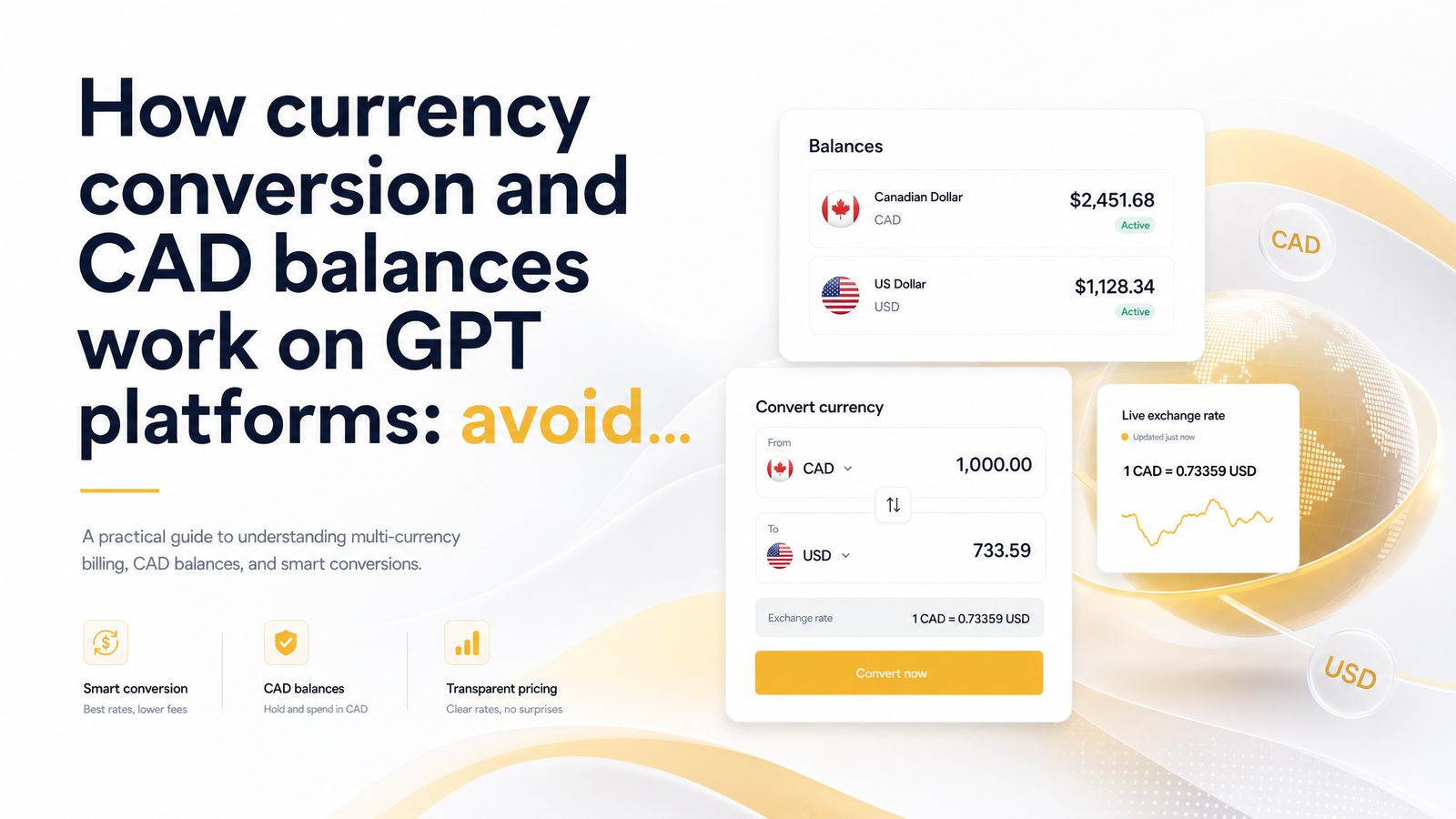
Log into a GPT (get-paid-to) site, see "$50" in your account, cash out, and receive noticeably less than $50 in your bank account. That gap isn't a glitch — it's CAD balance GPT currency conversion at work, and almost nobody explains it before you hit "redeem." Once you understand where the loss happens and which payout methods dodge it, you can keep more of what you earn.
Why Your GPT Balance Isn't Always Real CAD
Most GPT platforms were built for the US market first and expanded to Canada later, so the backend still tracks everything in US dollars even if the homepage and survey topics feel distinctly Canadian. Your points, minimum threshold, and running total are often a USD balance dressed up in a familiar interface — the site pays in USD internally and only converts to CAD at the last step, if at all.
This matters because a $1 reward on a USD-native platform was never actually worth $1 CAD. It was worth $1 USD, and the CAD figure you eventually see depends on when and how the conversion happens. Some sites convert as soon as you redeem; others wait until the money leaves their system through a payout processor. Either way, the number you accumulated isn't the number you'll receive in a Canadian bank account, and the difference is a structural cost built into how these platforms operate.
The problem compounds when comparing platforms. If one site quotes rewards in USD and another quotes in CAD, a side-by-side glance at "points earned" is meaningless without knowing which currency backs those numbers.
Where the Conversion Loss Actually Happens
There are three places a USD-to-CAD conversion can happen, each using a different exchange rate — which is why losses are inconsistent from platform to platform.
Platform-side conversion happens when the GPT site itself converts your USD balance to CAD before payout. Some platforms apply their own spread here, quietly marking up the rate above market and pocketing the difference.
Payout-processor conversion happens when you cash out through a service like PayPal, which converts USD to CAD as it deposits funds. This is where the most well-documented markup exists: PayPal's own conversion typically runs at a minimum of about 4% above the mid-market rate, according to a detailed breakdown of how and why to avoid PayPal's 4.0% (or higher) foreign currency conversion fee. On a $100 USD payout, PayPal's rate alone can cost roughly $4 or more before any other fees apply — money that never shows up as a separate line item, because it's baked into the rate itself.
Bank-side conversion happens if you receive USD directly and your bank converts it upon deposit, typically carrying its own markup on top of the Bank of Canada's published reference rate.
The gap between the real mid-market rate and what you're actually offered is sometimes called the exchange rate or forex markup, explained clearly in this breakdown of PayPal currency conversion vs. dedicated FX and the hidden cost gap, which walks through a worked dollar-loss example. The key insight: the fee isn't flat or visible — it's embedded in the exchange rate you're quoted, which is why so many Canadians don't notice it until they compare their payout against the actual daily rate.
CAD-Native vs. USD-Native Payout Methods
Not all payout methods carry the same conversion risk, and the differences are large enough to change which method you should default to.
Interac e-transfer is CAD-native. When a platform pays out via Interac e-transfer CAD payout, the money moves directly in Canadian dollars through Canada's own banking network, with no USD-to-CAD conversion step — assuming the platform tracks and settles balances in CAD rather than converting a USD balance right before sending it. This is the cleanest option when it's genuinely CAD-native end to end.
PayPal is USD-native for most GPT platforms, even when your account is set to Canadian dollars. The comparison of PayPal vs Interac Canada usually comes down to this: PayPal feels more universal, but unless the platform deposits CAD directly into a CAD PayPal balance, you're likely absorbing that documented 3-4%+ spread somewhere in the transaction.
Gift cards use fixed-value redemption — a $25 gift card is worth $25 at the retailer, period. That sounds like it sidesteps conversion loss entirely, and in one sense it does — no visible exchange rate applies at redemption. But gift card currency conversion risk shows up earlier: if the platform priced that reward based on a USD balance and converted it to a CAD-equivalent point cost using an unfavorable internal rate, you've already absorbed the loss before ever seeing the gift card option. The fixed face value hides the conversion rather than eliminating it.
For context, services like Wise (formerly TransferWise) built their business around using the real mid-market rate with a transparent, disclosed fee — the opposite of burying a markup inside the rate. That's the benchmark worth comparing any GPT payout method against.
If you're weighing platforms and payout methods, it's worth reading how payout options rank by speed, since the fastest option and the most currency-efficient option aren't always the same one.
How to Check If You're Losing Money on Conversion
You don't need a finance background — you need one number and basic arithmetic.
- Look up the mid-market rate for USD to CAD on the day you cashed out (Google, XE, or the Bank of Canada's published rate all work).
- Multiply your USD balance by that rate to get the "fair" CAD value.
- Compare that figure to what actually landed in your account.
Quick example: Say you redeem $50 USD and the mid-market rate that day is 1.35, meaning $50 USD should equal $67.50 CAD. If your payout processor sends $64.80 CAD instead, you've lost $2.70 — about 4% — lining up almost exactly with PayPal's documented markup range. Run this comparison every time you cash out from a new platform or method, and you'll quickly map which ones are quietly expensive.
This is also the moment to check exchange rate loss patterns over time. If the same platform consistently comes in 3-5% under fair value, that's a built-in cost of that payout route, worth factoring into any comparison of survey sites vs. cashback apps and which pays more in Canada, since a platform with slightly lower rewards but CAD-native payouts can easily out-earn one with flashier USD rewards.
It's also worth checking whether a platform's minimum payout threshold is itself set in USD, since that can compound the issue — a full comparison of minimum payout thresholds for GPT platforms in Canada is a useful companion read.
How CashSprint Handles CAD Balances
CashSprint was built CAD-first for Canadian users, so your balance is tracked in Canadian dollars from the start rather than calculated as a USD figure and converted at the last possible moment. That design choice removes the platform-side conversion step entirely — there's no internal markup applied when you redeem, because there was never a USD balance to convert.
For cashing out, the CashSprint CAD payout option through Interac e-transfer sends real Canadian dollars directly into your bank account, matching the CAD-native structure of the balance itself. If you're used to platforms where the number on screen never quite matches the number in your bank account, cash out CashSprint Interac is designed specifically to close that gap. Readers who want a more detailed, evidence-based look at how the platform operates can check out this skeptic's review of whether CashSprint is legit.
Frequently Asked Questions
Why does my GPT site payout show less CAD than I expected?
The shortfall almost always comes from a currency conversion spread applied somewhere between your balance and your bank account — either the platform converting a USD balance internally, or a payout processor like PayPal applying a rate above mid-market. Because this markup is baked into the rate rather than listed as a separate fee, most users only notice it by comparing their payout against the actual daily exchange rate.
Do all GPT and survey sites pay Canadians in US dollars?
No, but many do, especially platforms built for the US market that later expanded into Canada. Some track balances internally in USD even if the site design feels Canadian, while CAD-native platforms track and settle your balance in Canadian dollars from the start.
Is it better to cash out via PayPal or Interac e-transfer to avoid conversion fees?
Interac e-transfer is generally better when the platform pays out in true CAD, since the transfer moves Canadian dollars directly with no conversion step. PayPal is typically USD-native for GPT payouts and carries a documented markup of roughly 4% or more above mid-market, even when your account is set to CAD.
How much does currency conversion actually cost on a typical GPT cashout?
Based on PayPal's documented practices, expect a minimum markup of around 3-4% above the mid-market rate on a typical USD-to-CAD cashout. On a $50 USD payout, that's roughly $2 or more lost purely to the exchange rate, before any additional processing fees.
Does CashSprint pay out in Canadian dollars or US dollars?
CashSprint tracks balances in Canadian dollars from the start and offers a CAD-native Interac e-transfer payout, so there's no USD-to-CAD conversion step eating into your balance. The number you see in your account is the number designed to land in your bank.
Can I avoid conversion losses by holding a USD balance instead of converting right away?
Holding a USD balance doesn't eliminate the eventual conversion cost — it only delays it until you cash out, and you're still exposed to whatever rate applies then. The more reliable way to avoid conversion losses is choosing a platform and payout method that are CAD-native from the start, rather than timing a USD-to-CAD conversion.
Stop letting exchange rate spreads quietly shrink your earnings — check your balance on CashSprint and see the CAD-native difference for yourself, then read the guide to payout options ranked by speed to pick the fastest way to get your real Canadian dollars into your account.