
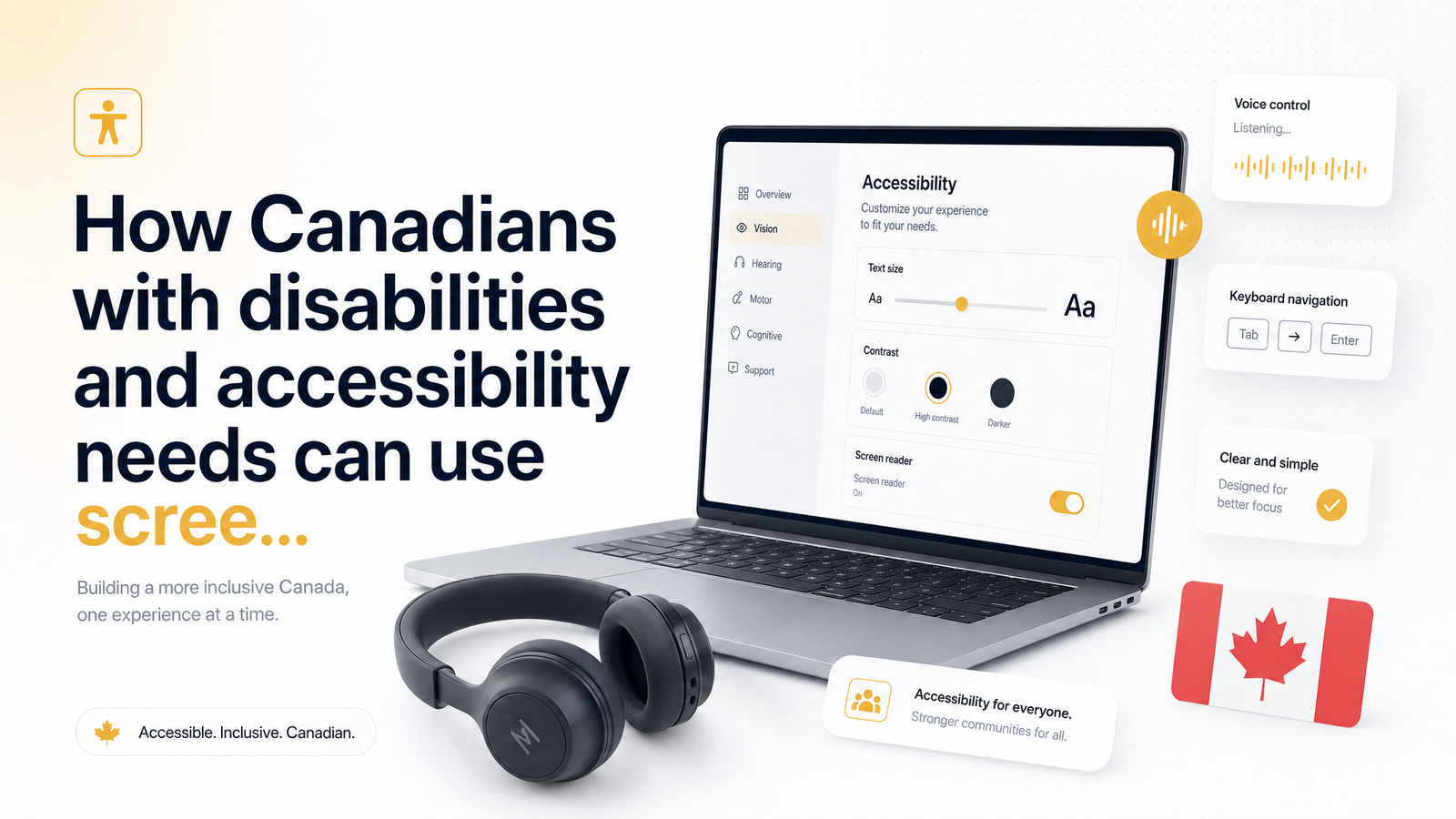
Why Accessibility Matters for GPT and Survey Sites in Canada
Roughly 27% of Canadians aged 15 and older — about 8 million people — report having a disability, according to Statistics Canada's Canadian Survey on Disability, 2017 to 2022. That's more than one in four potential earners locked out of side-income opportunities every time a get-paid-to (GPT) platform ships an inaccessible sign-up form. For an audience this large, accessible survey sites in Canada should be table stakes, not a niche request.
In practice, they rarely are. Screen reader users routinely hit forms where fields have no visible label, so JAWS or NVDA reads out "edit text, blank" with no clue what to type. Image-based CAPTCHAs with no audio alternative stop keyboard-only users cold before they reach the dashboard. Video-based surveys — increasingly common in profiling and market research — often ship without captions or transcripts, quietly excluding Deaf and hard-of-hearing respondents from tasks they're otherwise qualified to complete. Offer walls, built by third-party ad networks and embedded into a GPT site, are frequently the worst offenders: nested iframes, mouse-only sliders, and focus traps that make tab-key navigation impossible.
The result is a familiar pattern: sign up, hit a wall, give up, never earn a cent — wasted time for the user and a missed audience for the platform. The rest of this guide breaks down what to check before you invest time in a survey site, what Canadian law does and doesn't require, and what CashSprint does concretely to close that gap.
What Makes a GPT Site Actually Accessible (Beyond a Policy Page)
An accessibility statement in a footer means little if the interface doesn't hold up. Look for these concrete, testable features instead:
- WCAG 2.1 AA conformance. This is the internationally recognized baseline — covering colour contrast ratios, text resizing, focus indicators, and more — that most credible accessibility claims should be measured against.
- Full keyboard navigation. You should be able to tab through every survey question, offer, and dashboard menu without touching a mouse, with a visible focus outline showing where you are.
- Screen reader compatible forms with proper ARIA labels. Every input field, button, and dropdown needs a programmatic label a screen reader can announce — not just placeholder text that disappears once you click in.
- Resizable text and high-contrast display options, since users with low vision often need to zoom well past 100% or switch to a high-contrast theme without the layout breaking.
- Alt text on meaningful images, so screen reader users get context instead of silence or a meaningless filename.
- Captions or transcripts on video-based surveys and offer wall content, so Deaf and hard-of-hearing users aren't excluded from tasks that pay out.
- Accessible CAPTCHA alternatives — audio options, logic-based challenges, or accessible checkbox verification — instead of purely visual image puzzles.
None of this requires guesswork. Most of it can be checked in a few minutes with tools already built into your browser or operating system, covered below.
How Canada's Accessibility Laws Apply (and Where They Don't)
Canada does have accessibility legislation, but it doesn't blanket every website the way many assume. The federal Accessible Canada Act applies primarily to federally regulated organizations — banks, telecoms, government services — and pushes toward WCAG 2.1 AA conformance for the entities it covers. Ontario's Accessibility for Ontarians with Disabilities Act (AODA) goes further for organizations operating in that province, generally requiring WCAG 2.0 AA compliance for public-facing websites.
Private GPT and survey platforms largely sit in a legal grey area. As BOIA's overview of Canadian accessibility law explains, many private businesses aren't directly captured by federal or provincial mandates unless they meet specific size, sector, or provincial thresholds. In plain terms: a GPT site headquartered outside Ontario, serving users nationally, may face no direct legal obligation to follow WCAG at all.
That doesn't make accessibility optional in any meaningful sense — it makes it a genuine differentiator. A platform that voluntarily builds to WCAG 2.1 AA standards is choosing to serve a segment of the market that competitors are, often unknowingly, actively excluding. That's worth checking for before you sign up, not something to assume.
A Practical Checklist: Testing a Survey Site's Accessibility Before You Sign Up
Before handing over profiling data and sinking time into a new platform, run this quick test to see whether it's actually screen reader friendly:
- Turn on your screen reader first — NVDA or JAWS on Windows, VoiceOver on Mac or iOS — and try to complete the sign-up form without looking at the screen. If field labels aren't announced, that's an immediate red flag.
- Unplug your mouse (or don't touch it) and tab through the homepage, sign-up flow, and a sample survey. You should always be able to see and hear where focus currently sits.
- Try the CAPTCHA blind. If there's no audio option and no way to complete it with a screen reader active, the platform is inaccessible at the front door, regardless of anything else it does well.
- Zoom your browser to 200% and check whether text still fits, buttons remain clickable, and nothing overlaps.
- Open a video-based survey or offer wall item and check for captions or a transcript link.
- Look for a real support contact — email or chat — specifically for reporting accessibility issues, not just a generic contact form.
This test takes under ten minutes and tells you more than any accessibility statement will. Organizations like CNIB also publish guidance on evaluating digital accessibility if you want a deeper reference point.
What CashSprint Does to Support Accessible Surveys
CashSprint's platform is built on semantic HTML with ARIA support throughout the sign-up flow, survey listings, and dashboard, so screen readers announce buttons, form fields, and status updates accurately rather than reading blank or ambiguous elements. The dashboard is fully navigable by keyboard, meaning tabbing through available offers, cash-out options, and account settings doesn't require a mouse at any point.
Profiling questions are written in plain language and structured as standard, labeled form controls rather than custom sliders or drag-and-drop widgets that tend to break under assistive tech. The site supports browser-level text resizing and works with screen magnifiers without breaking layout, so low-vision users aren't fighting the interface on top of the survey itself.
If you're new to the platform, this overview of what CashSprint actually is covers how the marketplace works end to end, and the evidence-based legitimacy review is worth reading if you're weighing trust before signing up. CashSprint also maintains a human support channel specifically for reporting accessibility barriers, because no automated audit catches everything real users encounter. Among disability-friendly survey sites, that feedback loop is what keeps fixes actually happening rather than sitting on a policy page.
Tips for Earning Efficiently with Assistive Technology
Not all GPT offers are created equal when you're working with a screen reader or keyboard-only navigation. Short, text-based surveys tend to be the most reliably accessible — built on standard form fields and rarely reliant on drag sliders or timed visual interactions. Offer walls are a mixed bag: some are clean and keyboard-navigable, while others are third-party embeds with accessibility problems the host site doesn't fully control. Video-based tasks are the trickiest category; check for captions before committing time, and skip ones that offer none.
A few practical habits help regardless of platform:
- Use your operating system's built-in accessibility tools — Windows Narrator, macOS VoiceOver, or a magnifier — alongside browser zoom rather than relying on a site's own display settings.
- Bookmark or favourite offer types that have worked well for you before; consistency in the underlying form structure usually means consistency in accessibility.
- When you hit a barrier, note it and move to the next offer rather than burning time forcing a broken interaction — then report it, since that's the only way it gets fixed.
Earning money online with a disability in Canada shouldn't require extra patience for broken interfaces on top of the work itself. Once you're earning, CashSprint's payout process covers Interac e-Transfer, PayPal, and gift card cash-outs — details worth reviewing once you've got a balance built up.
Frequently Asked Questions
Are GPT and survey sites in Canada legally required to be accessible?
Not universally. The Accessible Canada Act mainly covers federally regulated organizations, and Ontario's AODA sets WCAG 2.0 AA expectations for organizations operating there, but most private GPT platforms fall outside these direct mandates. That means accessibility on these sites is often voluntary, making it worth verifying yourself rather than assuming compliance.
What screen readers work best with survey and GPT platforms?
NVDA and JAWS on Windows and VoiceOver on Mac and iOS are the most widely used, and any site claiming to be accessible should work smoothly with all three. If a platform behaves inconsistently across these tools, that's a sign of incomplete ARIA implementation rather than a problem with your setup.
Can I use assistive technology to complete offer wall and video-based tasks?
Sometimes, but results vary widely since offer walls are often third-party embeds outside the host platform's direct control. Video-based surveys are only accessible if captions or transcripts are provided, so check for those before investing time, and skip tasks that offer neither.
How do I know if a survey site is compatible with my screen reader before signing up?
Turn your screen reader on before creating an account and try navigating the sign-up form, CAPTCHA, and a sample survey without a mouse. If labels aren't announced correctly or focus gets trapped anywhere, the site likely isn't built to standard, and you'll know within minutes rather than after wasting time on profiling questions.
Does CashSprint support screen readers and keyboard navigation?
Yes — CashSprint uses semantic HTML and ARIA labeling throughout its sign-up flow and dashboard, supports full keyboard navigation, and works with text resizing and screen magnifiers. Profiling questions use standard, labeled form fields rather than custom widgets that commonly break under assistive tech.
What should I do if I hit an accessibility barrier on a GPT site?
Document the specific issue — which page, which screen reader or tool, and what happened — and report it through the platform's support channel rather than abandoning the account silently. CashSprint maintains a dedicated support contact for exactly this kind of feedback, since real user reports catch problems automated audits miss.
Ready to see the difference for yourself? CashSprint is built with a screen-reader-tested sign-up flow and a keyboard-navigable dashboard, so you can start earning without fighting the interface first. And if you do hit a barrier we haven't caught yet, tell us — accessibility here is an ongoing commitment, not a one-time checkbox, and your report is how it gets fixed.