
Ask any Canadian who earns through surveys, offers, and cashback apps how much they made last year, and you'll usually get a shrug. GPT (get-paid-to) income arrives in a scatter of $3, $8, and $40 deposits across five different apps, making it nearly impossible to reconstruct a clean total without a system. To track GPT income in Canada for taxes without an April scramble, you need a lightweight, consistent method that captures every payout as it happens — not months later from memory.
Why GPT Income Is Easy to Lose Track Of
Multiple GPT platforms income is inherently fragmented. A survey site pays $4 via PayPal on a Tuesday. A cashback app credits $12 through Interac e-Transfer two weeks later. Another platform issues a $25 gift card instead of cash. Each is a legitimate income event, but none show up in one place, and none look like a paycheque. By December, you're left trying to recall which app paid what, when — and whether you're missing entire payouts.
This is why so many earners underestimate their own totals. It's not dishonesty; it's an information problem. If your method is "I'll remember" or "I'll check five app histories in April," you're setting yourself up to under-report income or spend hours doing forensic accounting on your own earnings. The fix is to treat GPT income like a small business would — logging revenue as it comes in, not reconstructing it after the fact.
Where Budgeting Apps Fall Short for GPT Earners
Popular budgeting apps for side hustle income in Canada — KOHO, Wealthsimple, YNAB, and Monarch Money among the tools that filled the gap after Mint's shutdown — are all built around the same assumption: your financial life happens through a bank account or credit card that can sync automatically. That works well for rent, groceries, and subscriptions. It works far less well for GPT income.
KOHO GPT income, for instance, shows up only after a payout lands as a deposit — and even then, the app has no idea it came from a survey platform rather than, say, a refund. YNAB Canada side income faces the same limitation: YNAB categorizes where money goes, but can't distinguish "CashSprint payout" from "random e-transfer" unless labeled manually, and it can't see a gift card sitting unused in your inbox. Wealthsimple and Monarch Money share this same bank-sync-first design.
The result is a blind spot. Cash payouts might eventually surface in a linked account, but gift cards and points — which never touch a bank account — never appear at all. If your only tracking method is a budgeting app, you will systematically under-count your real GPT earnings, sometimes by a meaningful margin depending on your reward mix.
Building a Multi-Platform GPT Income Spreadsheet
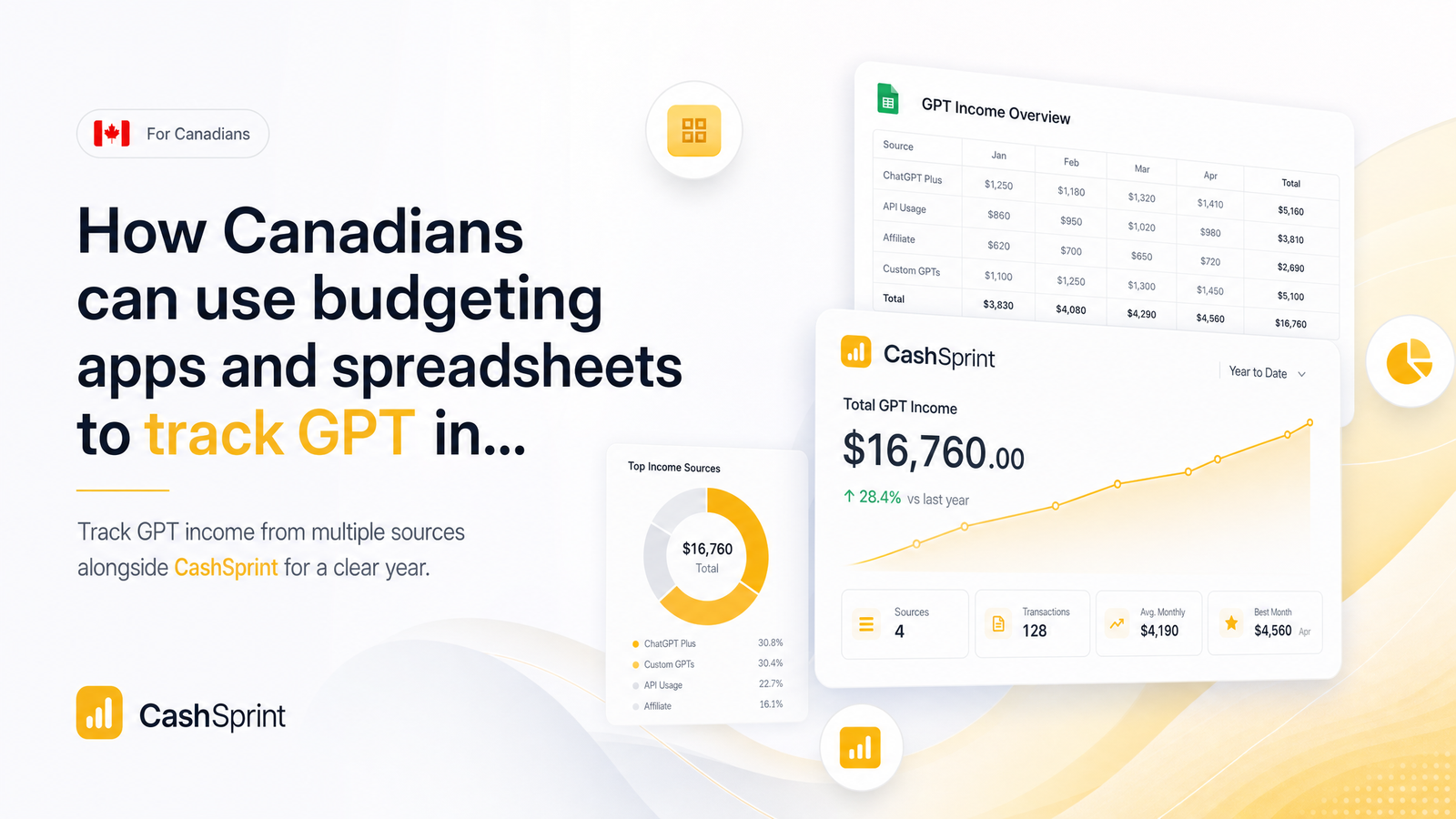
The most reliable fix is a GPT income tracking spreadsheet built for this scattered, multi-format income. It doesn't need to be complicated — a single Google Sheet or Excel file with one tab is enough for most earners, though monthly tabs work well if you generate high volumes of small payouts and want cleaner subtotals.
At minimum, your spreadsheet should include these columns:
- Date — the date the payout was received, not when it was requested
- Platform — CashSprint, or whichever other app paid you
- Amount — the raw payout value as shown by the platform
- Payout method — Interac e-Transfer, PayPal, or gift card
- CAD value — the actual cash-equivalent value in Canadian dollars
- Running total — a simple formula summing the CAD value column year-to-date
That running total column turns a messy list of transactions into a real answer to "how much did I make this year." Use a SUM() formula rather than a manual number, so it stays accurate as you add rows. For tracking survey and cashback earnings for taxes, this structure also makes it trivial to filter by platform if you need to double-check totals against an app's own dashboard.
The habit matters more than the format: log each payout the same day (or week) it lands, while the confirmation email or app notification is still easy to find.
Recording Cash, Gift Cards, and Points the Same Way
A common point of confusion is whether gift card rewards are taxable in Canada the same way cash is. For tracking purposes, treat them identically: every payout, regardless of format, gets a CAD value logged at the time you receive it. A $25 gift card is logged as $25 CAD value on the date it was issued, in the same column as a $25 Interac deposit.
Points require one extra step: points-to-cash-value tracking. Most GPT platforms display a conversion rate (so many points equal one dollar), so convert points to their CAD equivalent at the moment they're redeemed, and log that converted figure rather than the raw points number. This keeps every row comparable, whether the reward showed up as cash, a gift card code, or a converted point balance.
The payout method column still matters — it doesn't change the CAD value, but it helps you reconcile your spreadsheet against actual records later, since a $40 Interac deposit is easy to confirm against a bank statement, while a $40 gift card needs its confirmation email as the paper trail instead.
Combining Your Spreadsheet with a Budgeting App for the Full Picture
You don't need to abandon your budgeting app — you just need to feed it information it can't get on its own. The workflow: log every GPT payout in your spreadsheet as it happens, then once a month (or once a quarter, if volume is low), enter the period's subtotal into your budgeting app as a manual income transaction.
In YNAB, add a manual "GPT Income" category and assign that monthly total directly, rather than waiting for a bank sync to catch a fraction of it. In KOHO, Wealthsimple, or Monarch Money, use a manual income entry or note attached to the relevant period. This gives you a genuine year-end tax picture: your budgeting app shows your full financial life, spending and all, while your spreadsheet remains the authoritative, itemized source of truth for where each dollar of GPT income came from.
This two-layer approach also protects you if a payout arrives as a gift card or points redemption that never touches your bank account — the budgeting app would otherwise miss it entirely, but your manual entry, sourced from your spreadsheet, keeps the total honest.
Turning Your Tracker Into a Year-End Tax Picture
Come December, closing out your tracker is mostly arithmetic, not archaeology. Total the CAD value column across the full year, ideally with a subtotal per platform so you can see exactly how much came from CashSprint versus other apps. Then spot-check that total against your actual payout records — Interac confirmation emails, PayPal transaction history, and gift card redemption confirmations — to catch any row logged incorrectly or forgotten.
Once those two numbers match, you have a clean, defensible figure ready for GPT income line 13000 reporting, since most occasional or hobby-level GPT earnings are reported as CRA other income on line 13000 rather than through a business return. If your activity is frequent and structured enough to resemble a business, you may instead need the T2125 Statement of Business or Professional Activities — that classification question, along with fuller rules on what counts as reportable income, is covered in our GPT earnings and freelance taxes guide, so we won't re-explain it here. The CRA's own line 13000 page also confirms that taxpayers should keep a note or summary of each income type — which is exactly what your spreadsheet already is.
Hand that finished summary to yourself at tax time, or straight to an accountant, and the "reconstruct the whole year from memory" problem disappears.
Frequently Asked Questions
Do I have to report small GPT payouts like $5 or $10 to the CRA?
Yes — there's no minimum threshold that exempts small payouts from being income. Every payout, whether $5 or $50, should be logged and included in your year-end total, since CRA reporting is based on cumulative income, not the size of individual transactions.
Can budgeting apps like KOHO or Wealthsimple automatically track my GPT income?
Not reliably. These apps sync bank and card transactions, so they can eventually pick up cash payouts once deposited, but they can't see gift cards or points, and won't label a deposit as GPT income unless you enter it manually.
Should I track gift card rewards the same way as cash payouts?
Yes — log the CAD value of a gift card at the time you receive it, in the same column and format as a cash payout. This keeps every row directly comparable regardless of how the reward was paid out.
What's the simplest spreadsheet setup for tracking income from several GPT platforms?
A single tab with columns for date, platform, amount, payout method, CAD value, and a running total covers most earners' needs. Add monthly tabs only if payout volume is high enough that a single long list becomes hard to scan.
How often should I update my GPT income tracker to stay ahead of tax season?
Weekly or monthly, ideally right after each payout while confirmation details are still easy to find. Waiting until year-end to reconstruct months of scattered payouts is where most errors and missed entries happen.
Does it matter if my GPT income arrives via Interac e-Transfer, PayPal, or gift card for tracking purposes?
The CAD value is what matters for your tax total, regardless of payout method. Recording the method separately is still useful, since it gives you a paper trail — bank statement, PayPal history, or gift card confirmation — to verify your spreadsheet later.
Start the habit with your very next payout. Log it the moment it lands, whether it comes through CashSprint's Interac e-transfer option, PayPal, or a gift card, and you'll already be ahead of most GPT earners by next April. Explore Cashsprint to see current payout options and get your first entry into the spreadsheet today.