
Why Your CashSprint Payout Might Be Sitting There (Not Arriving Instantly)
You cashed out, the confirmation looked fine, and then... nothing — just a status that says pending. If you're staring at an Interac e-Transfer pending notification, take a breath: this almost never means CashSprint is the problem.
CashSprint sends your payout the moment you request it. What happens after that — how fast it clears, whether it needs manual review, whether it fits your bank's daily allowance — is governed by your financial institution and the Interac network's rules, not by CashSprint. A payout delayed a day or two is, in the overwhelming majority of cases, a receiving-bank issue: a limit you didn't know you had, or a hold triggered by the transfer's size or novelty. If you've been wondering whether the platform itself is trustworthy, see Is Cashsprint Legit? A Skeptic's Evidence-Based Review — payout mechanics and platform legitimacy are separate questions, and this article deals with the first.
How Interac e-Transfer Limits Actually Work in Canada
Interac Corp. doesn't set the dollar limits on your transfers — your bank does. Interac provides the rails; each of the Big Five (RBC, TD, BMO, Scotiabank, CIBC), plus digital-first institutions like EQ Bank, decides how much of that rail you're allowed to use.
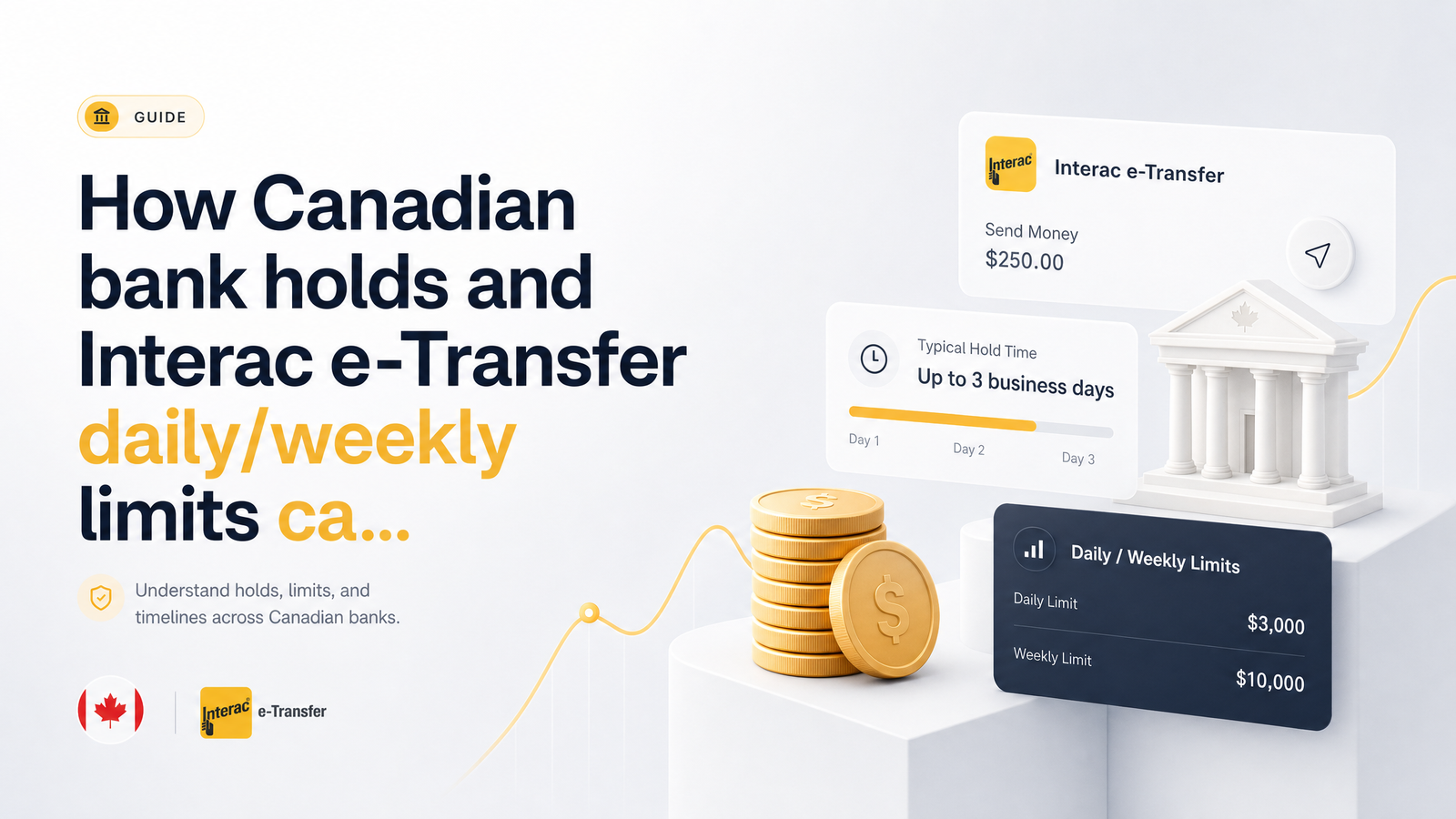
Most Canadian banks structure limits across four layers: per-transaction, daily, weekly, and monthly. A common baseline is $3,000 per-transaction and daily, though some institutions extend that to $10,000 depending on account type and history, per Biller.ca's comparison of Interac e-Transfer limits across major banks. Weekly and monthly limits stack on top — so even if a single transfer clears your daily limit, you might still be capped by what you've already sent that week or month.
The reset mechanism matters just as much as the number. Some banks reset daily limits at midnight local time; others use a rolling 24-hour window, where available limit ticks back up transfer-by-transfer rather than all at once. Two people sending the same amount at the same bank can see very different "time until reset" because one sent their last transfer at 9 a.m. and the other at 11 p.m. Check whether your bank uses a fixed reset or a rolling window before assuming you're clear to send again.
Sending vs Receiving Limits: The Distinction That Trips People Up
Sending and receiving limits aren't the same, and usually aren't even close. Per Remitbee's breakdown of Interac e-Transfer limits, receiving limits at most Canadian banks are effectively uncapped daily — typically just a per-transfer maximum, not a running daily ceiling.
That means your bank's receiving limit is rarely what's holding up a CashSprint payout. The real bottleneck sits on the sending side — CashSprint's sending capacity and banking relationships govern outbound speed. But once a payout is dispatched, further slowdowns are almost always tied to how your bank processes and screens incoming transfers, not a receiving cap. This sending-vs-receiving distinction is the fastest way to diagnose a delay: if the amount is large or unusual for your account, look at review holds (next section), not limits.
Bank Holds: Why Money Can Show Up But Not Be Spendable
A limit and a hold are different mechanisms, and confusing them is where most "is this a scam" panic comes from. A limit stops a transfer from being sent or received at all. A hold lets the transfer land — often reflected in your balance — but restricts you from spending or withdrawing it for a defined period.
EQ Bank's Hold Funds Policy is explicit: funds can be held up to 5 business days, and during that window they can't be transferred or withdrawn even though they appear in your balance. This isn't unique to one bank — the Financial Consumer Agency of Canada's guidance on cashing cheques and deposit holds confirms hold periods are standard, regulated practice, not a red flag specific to any institution or to CashSprint.
On top of standard holds, first-time transfers or unusually large amounts can trigger a separate fraud-review hold, often up to 24 hours, at major Canadian banks. DailyStash's research on Interac e-Transfer processing times confirms banks flag transfers that don't match typical activity — a new sender, a bigger amount than usual — and pause them for review before releasing funds. If this is your first CashSprint cash-out, or your biggest one, that's very likely why it's sitting rather than landing instantly.
How to Plan Your CashSprint Cash-Outs Around These Limits
Once you understand the mechanics, planning around them is straightforward:
- Know your own bank's numbers first. Check your banking app's e-transfer limit screen — per-transaction, daily, weekly, monthly — rather than assuming the $3,000 industry-standard figure applies to you.
- Cash out smaller and more often instead of one lump sum. Letting a balance build for weeks and withdrawing it all at once is the most common way to hit both your limit and a fraud-review flag simultaneously. Spreading withdrawals avoids both.
- Avoid the first-time-recipient flag. Sending to the same bank account every time, rather than switching accounts, stops your bank from treating each payout as a novel, higher-risk transfer.
- Time your cash-out for early in the week or month. Weekend processing gaps and month-end volume add delay. Requesting a payout Monday or Tuesday morning, or right after a monthly limit reset, gives the cleanest runway.
- Turn on Interac Autodeposit. This removes the step of manually accepting a transfer via security question, cutting out a common point of delay and reducing the chance a transfer sits unclaimed.
None of this changes how fast CashSprint sends the money — it changes how smoothly your bank processes it once it arrives.
What To Do If a Payout Is Stuck Pending
If a transfer is genuinely stuck pending rather than just slow, work through this checklist before assuming it's gone:
- Confirm in your CashSprint account that the payout was actually marked as sent, not still processing on CashSprint's side.
- Check email and phone notifications, including spam — some banks require you to manually accept a transfer if Autodeposit isn't enabled.
- Check your bank's app for any limit or hold notice; many display a clear "funds on hold until [date]" message once you look.
- Wait out the standard hold window — up to 5 business days per policies like EQ Bank's — before treating this as unusual.
- If the hold period has clearly passed and funds still aren't accessible, contact your bank directly; they can confirm what's holding funds on their end.
- If Interac limits or holds are a recurring headache, consider switching payout methods. PayPal Canada transfers and gift card redemptions don't carry the same bank-imposed limits — see Cashsprint Payout Options Ranked by Speed (2024 Guide) for a side-by-side comparison.
Funds held at a CDIC-member institution remain protected during a hold — the delay is procedural, not a sign your money is at risk.
Check your current CashSprint balance now and schedule your next cash-out for early Monday or right after your bank's monthly reset — that alone avoids most of the delays covered here. If Interac limits keep interrupting your withdrawals, compare faster alternatives in the Payout Options Ranked by Speed guide and pick the method that fits how you get paid. Cashsprint keeps sending your money the moment you ask — the rest is just timing it around your bank's clock.
Frequently Asked Questions
Why is my CashSprint Interac e-Transfer payout still pending?
It's almost always a bank-side limit or hold, not a CashSprint issue. CashSprint sends the payout immediately upon request, but your bank may place a standard deposit hold (up to 5 business days) or a fraud-review hold (up to 24 hours) on first-time or unusually large transfers before the funds become spendable.
What is the standard Interac e-Transfer daily limit in Canada?
A common baseline is $3,000 per transaction and per day, though some banks allow up to $10,000 depending on account type and history. Weekly and monthly caps sit on top of the daily limit, so heavy usage earlier in the week or month can reduce what's left even if you haven't hit today's cap.
Do daily e-Transfer limits reset at midnight or after 24 hours?
It depends on the bank — some reset at a fixed midnight cutoff, while others use a rolling 24-hour window that frees up capacity gradually as earlier transfers age out. Check your bank's e-transfer limit screen in-app to see which model applies to your account.
How long can a Canadian bank legally hold a deposit?
Standard holds typically run up to 5 business days, confirmed by both EQ Bank's Hold Funds Policy and Financial Consumer Agency of Canada guidance on deposit holds. During this period the funds may show in your balance but can't be withdrawn or transferred elsewhere.
Can I raise my Interac e-Transfer limit to cash out faster?
Yes, many banks let you request a higher sending or receiving limit through online banking settings or by contacting customer service directly. Approval usually depends on your account history, verification status, and account type, so it's worth asking your bank rather than assuming the default limit is fixed.
Does enabling Autodeposit help avoid payout delays?
Yes, Autodeposit removes the manual step of answering a security question to accept a transfer, eliminating a common cause of unclaimed or delayed-looking transfers. It doesn't bypass bank holds or limits, but it ensures a transfer is claimed and processed as soon as it's eligible to land.