
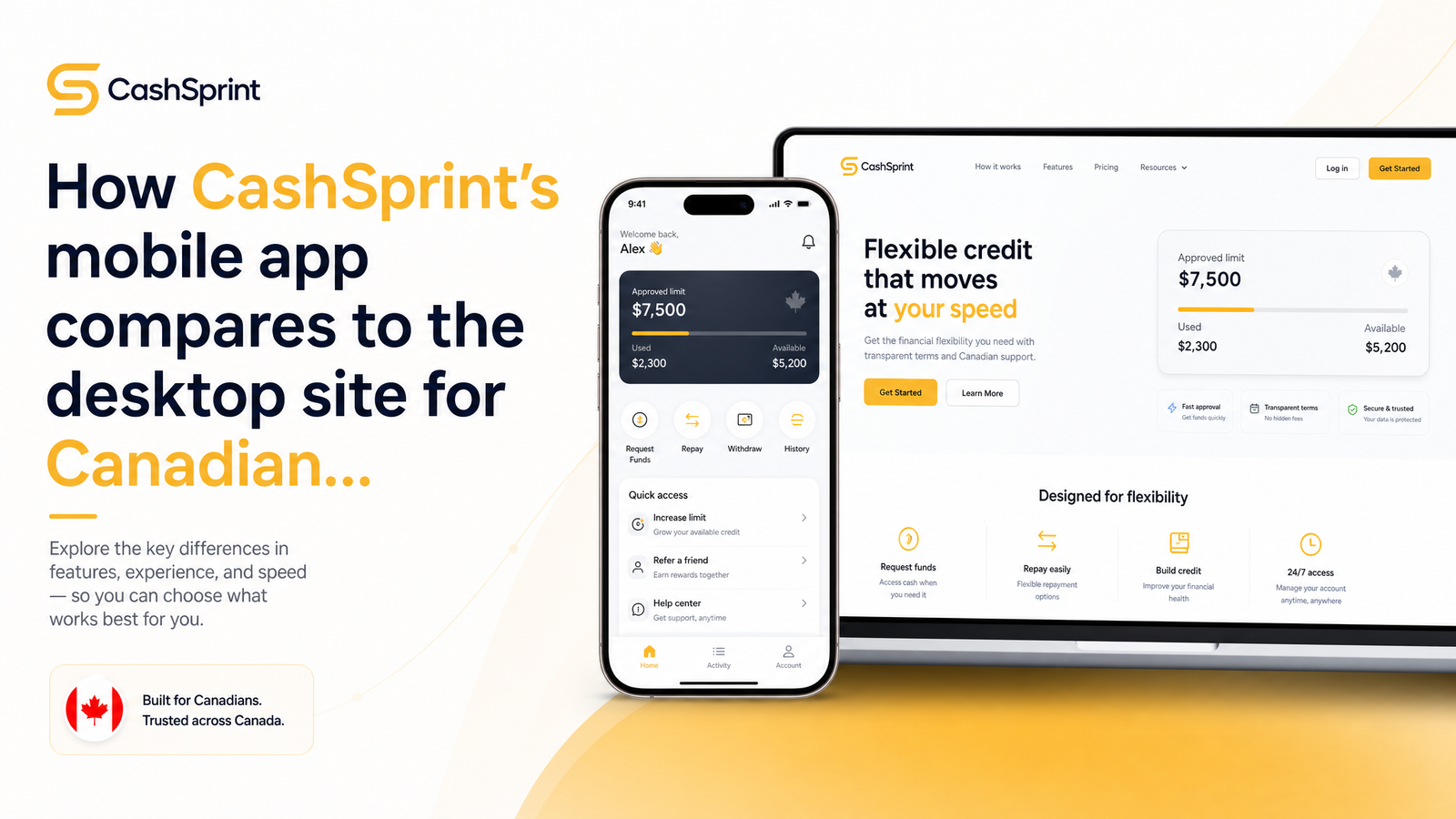
Same Account, Two Different Experiences
Whether you open CashSprint on your phone or log into cashsprint.ca on a laptop, you're touching the same account, same balance, same verification status. But the app vs desktop experience isn't identical, and treating them as interchangeable is how people miss high-paying offers or get confused about why their earnings screen looks different from one hour to the next.
The differences come down to three mechanics: how data syncs between devices, which offers are actually available on each platform, and how you get notified about new opportunities. This guide walks through each one, then gives you a simple routine for using the app and desktop site together instead of picking one and ignoring the other. If you're brand new to the platform, the general overview of what CashSprint actually is is worth reading first.
Account Sync: What Updates Instantly and What Doesn't
Your account balance, completed offer history, and verification status all live on CashSprint's backend, not on your phone or browser. That means sync with the desktop site happens automatically for anything fully processed — if you complete an offer on mobile and log into desktop five minutes later, the credited amount should already be reflected in your balance.
Things get murkier with work still in progress. A survey you started but haven't submitted, or an offer-wall click that hasn't yet reported back from the advertiser's tracking system, can sit in a pending state that doesn't visibly update on the other device right away. Offer walls and survey routers rely on third-party postbacks, and those don't always fire instantly — sometimes it takes minutes, occasionally longer, before a completion registers on your account at all, regardless of device.
If your balance looks mismatched between app and desktop, refresh the desktop page or force-close and reopen the app first. Most "sync issues" are actually just a stale cached screen, not an actual account discrepancy. If numbers still don't line up after a refresh and a few minutes have passed, check your completed offer history on both platforms to see whether the offer shows as pending, credited, or missing — that tells you whether it's a timing lag or something to flag to support.
Offer Availability: Why Your App and Browser Don't Show the Same Offers
This is the source of most app vs website confusion, and it's not a bug — it's structural. Offer availability differs on mobile vs desktop because a meaningful chunk of the catalog is built around a device type, not just a platform.
Certain survey routers and cashback deals only work properly on a phone because they need mobile-specific tracking (device ID, app installs, location permissions) to verify completion. App-install offers are the clearest example: an advertiser paying for someone to download and open a game or utility app can only verify that from a mobile environment, so those offers simply won't appear on a browser session at all.
On the flip side, some offer walls and longer surveys are built for a larger screen and more stable typing environment, surfacing more prominently — or exclusively — on desktop. Survey providers routing longer, higher-paying questionnaires sometimes assume a desktop session because completion rates are better when people aren't typing on a phone keyboard for twenty minutes.
The practical takeaway: don't assume what you see on one platform is the full picture. App-only users miss desktop-native surveys and offer walls; desktop-only users miss mobile offers, including some of CashSprint's better-paying app-install and location-based deals. Checking both once or twice a day, rather than committing to one exclusively, is the only way to see the complete inventory.
Notifications: Push Alerts vs Email and Browser Prompts
Push notifications on the app are near-instant — when a new high-value offer or limited-quota survey goes live, the app can alert you the moment it's available. Desktop notifications work differently: you'll typically see updates through email or browser prompts, which depend on you having a tab open or checking your inbox, and inherently arrive with more lag than a push alert landing on your lock screen.
This matters most for offers with a limited number of spots or a short redemption window. Survey routers and offer walls that cap completions can fill up within minutes of going live, so a delayed browser notification — or none at all if you're not logged in — can mean the offer is gone before you see it.
If you've noticed you're not getting alerts, the most common cause isn't a CashSprint issue — it's device-level permission settings. iOS and Android both require explicit notification permission, and if you declined that prompt during setup (or battery-optimization settings are silently suppressing background notifications), pushes simply won't arrive. Check your phone's notification settings for the app specifically, confirm alerts are allowed, and make sure background app refresh or battery optimization isn't restricting it. CashSprint's dedicated notifications guide covers permission steps for both iOS and Android in more detail.
Cashing Out: Does It Matter Which Platform You Use?
No — payout requests hit the same backend account whether you initiate them from the app or from cashsprint.ca on desktop. Interac e-Transfer, PayPal, and gift card redemptions are processed identically regardless of device, since the platform you're on is just the interface, not the payment system itself.
What affects payout speed is the method you choose, not the device. Interac e-Transfer processing has its own timing tied to Canadian banking rails, worth understanding if you're expecting same-day funds — see this breakdown of Interac e-Transfer limits and why payouts take time for specifics. If you're deciding between Interac, PayPal, or a gift card and want to know which clears fastest, the payout options ranked by speed guide compares all three directly. Switching between app and desktop mid-cashout won't reset or delay your request — it's tied to your account, not your session.
One related point worth addressing directly: using the app and desktop site on the same account, even simultaneously, isn't account abuse or a sign of multiple accounts. It's a single account accessed from two interfaces, which is exactly how the platform is designed to work. What does raise flags on GPT platforms is creating separate accounts under different identities to farm sign-up bonuses — logging into your one legitimate account from your phone and laptop isn't that.
Which Platform Should You Use, and When
The honest answer is both, used deliberately rather than interchangeably. This is a broader GPT app vs website pattern, not unique to CashSprint — most get-paid-to platforms split their offer inventory and notification speed the same way.
Desktop is better for: initial account setup and verification, comparing offers side by side before committing time to one, and longer surveys that are easier to complete with a full keyboard and bigger screen where you can read questions without excessive scrolling.
The mobile app is better for: quick offers you can knock out while waiting in line or during a commute, instant push alerts on time-sensitive high-payout offers, and any app-install or location-based offer that literally can't run on a browser.
Using only one platform means structurally missing part of the offer catalog. The most efficient routine: do research and longer survey sessions on desktop, keep the app installed with notifications on for daily quick offers, and check both once or twice a day rather than leaving either dormant. That habit alone closes most of the gap between what casual users earn and what consistent multi-platform users earn.
Frequently Asked Questions
Do I lose my CashSprint points or cash balance if I switch from the app to the desktop site?
No, your balance doesn't reset or get lost when switching devices — it's stored on your account, not on the app or browser. If a number looks off right after switching, it's almost always a display lag from a pending offer completion, not an actual loss. Refreshing the page or restarting the app resolves most apparent mismatches within a few minutes.
Are there surveys or offers only available on the CashSprint app and not the website (or vice versa)?
Yes. App-install offers and certain location-based or mobile-verified survey routers only appear in the app because they require a mobile device environment to confirm completion. Conversely, some longer surveys and desktop-optimized offer walls display better, or exclusively, on the website. Checking both regularly is the only way to see the full offer catalog.
Why didn't I get a push notification for a new offer on my phone?
The most common cause is a device-level permission setting, not a CashSprint problem — notifications must be explicitly allowed on iOS and Android, and battery optimization can silently block background alerts. Check your phone's app-specific notification settings and confirm background activity isn't restricted. If permissions are already correct, some delay can still occur depending on your phone's OS-level notification scheduling.
Can I cash out via Interac e-Transfer from the app, or do I need to use desktop?
You can request Interac e-Transfer, PayPal, or gift card payouts from either the app or desktop — both send the same request to the same backend account. Processing time depends on the payout method itself, not which device you used to submit the request.
Does using both the app and desktop site at the same time count as multiple accounts?
No, accessing one legitimate CashSprint account from both your phone and computer is normal and expected platform use, not account abuse. Multiple-account flags on GPT platforms typically relate to creating separate identities to repeatedly claim sign-up bonuses, which is unrelated to using two devices on a single account.
Is the CashSprint app better than the desktop site for beginners?
The app is generally easier for beginners because of instant push notifications and quick, mobile-friendly offers, but desktop is better for initial account verification and comparing offers before committing. Most new users benefit from setting up on desktop first, then relying on the app for day-to-day quick earning once the account is verified.
Treat CashSprint as one account with two front doors: use desktop at cashsprint.ca for research, onboarding, and comparing offers side by side, then switch to the mobile app for on-the-go completions and instant push alerts on time-sensitive deals. Set up your alerts properly with the notifications guide, and if an offer ever seems to vanish or not credit correctly, the offer-wall tracking guide walks through troubleshooting steps. Log in on both platforms regularly at Cashsprint to make sure you're never missing half the picture.