
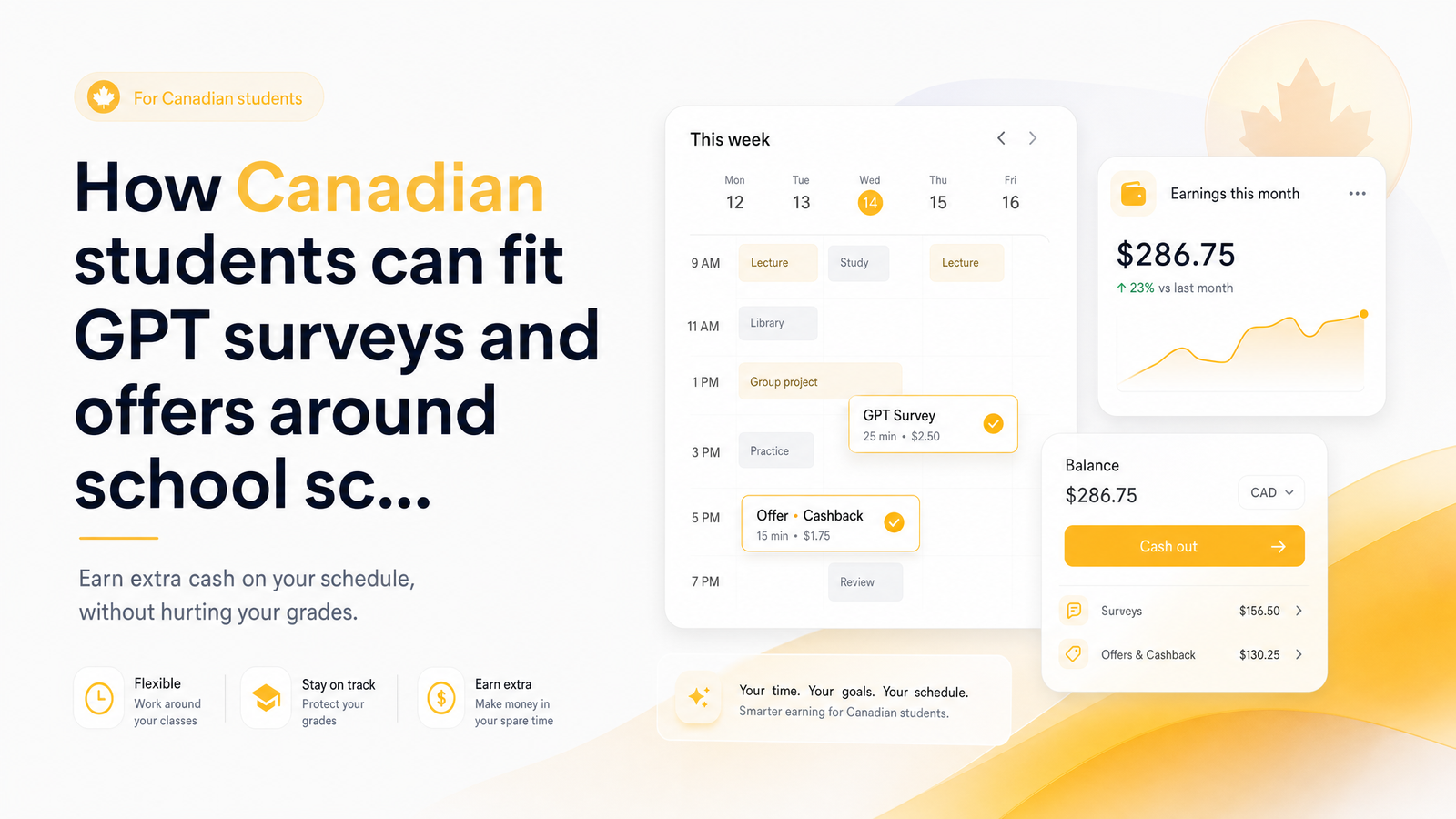
Why Surveys Fit a Student Schedule Better Than Most Side Hustles
Most side hustles want something students don't have: a fixed block of hours promised in advance. Retail and food service shifts get scheduled around the employer's needs, not your midterm on Thursday or a group project that just moved to Tuesday night. Surveys for students in Canada work differently — no shift to show up for, no manager to negotiate with when your schedule shifts overnight, and no penalty for stopping mid-task and picking it back up tomorrow.
That pause-and-resume flexibility is what makes GPT (get-paid-to) platforms a genuinely flexible side hustle for students rather than just another line on a "hustles to try" listicle. You open a five-minute poll while waiting for a lecture to start, close it, and finish a longer survey that evening if you feel like it. Nothing expires because you didn't get to it during your commute. The rest of this guide treats that flexibility as a scheduling problem worth solving properly — because a good system is the difference between GPT work becoming a reliable few extra dollars a week and it quietly eating study time you didn't mean to give up.
The Time-Blocking Method: Matching Tasks to Your Actual Free Minutes
Time blocking assigns specific tasks to specific chunks of your day instead of leaving everything to "whenever I get to it." Applied to GPT surveys around a school schedule, start by sorting tasks by how much focus and time they need:
- Micro-tasks (2–5 minutes): quick polls, screener questions, daily check-ins
- Mid-length surveys (10–20 minutes): opinion surveys, product feedback, panel profiling
- Longer offers (20+ minutes): paid trials, in-depth studies, multi-part research
Then match each category to the gaps you already have. A two-minute poll fits the walk between buildings or the few minutes before a professor starts class. A 15-minute survey fits a transit ride or dead time waiting on a group member. Save anything longer than 20 minutes for a genuinely free evening block, not a gap you're squeezing it into.
This mirrors standard student time-blocking advice: the Akiflow guide to time blocking for students warns against overloading a schedule with tasks that don't match the time available, and against ignoring your energy levels when assigning work to a slot. A 20-minute survey crammed into a 7-minute gap between classes doesn't get done well — it gets abandoned half-finished, wasting the time already spent.
A Sample Weekly Block: Class Days vs Light Days
Here's a template you can copy into your own calendar this week.
Class days (heavy schedule):
- 15 minutes after each class break — one or two micro-tasks or a single mid-length survey
- 10 minutes during a commute or transit window — micro-tasks only
- Skip evening blocks if you have assignments due; don't force a survey session onto an already full night
Light days (fewer classes, more open time):
- 20–30 minutes in the morning — one mid-length survey or offer
- 20–30 minutes in the evening — a longer offer or a second mid-length survey
- One flexible 15-minute slot held in reserve for whatever pops up in your account that day
This is a deliberately light structure. The goal of a student side hustle in Canada isn't to fill every spare minute — it's to know in advance which minutes are earning minutes, so the rest of your downtime stays downtime. Treating survey time as scheduled blocks rather than open-ended browsing has a side benefit outside the GPT world: Summit Learning Charter's research on time blocking notes that structured time blocks reduce phone dependence and improve focus compared to unstructured scrolling — essentially what happens when "I'll just check for surveys" turns into twenty minutes of aimless app-switching.
Exam Season: Should You Pause or Just Downsize?
The instinct during exams is to cut GPT work entirely, but that's usually the wrong call if your system is already lightweight. The better move is downsizing: strip your rotation to only the fastest, highest-paying, shortest tasks, and drop anything requiring sustained focus.
During crunch weeks, that means skipping 20-minute product studies and sticking to two-minute polls or short daily check-ins you can knock out between practice problems. This keeps a trickle of income coming in without competing for the mental energy your exams need.
What you shouldn't do is rush through the surveys you do keep. Answering carelessly to finish faster tends to trigger disqualifications or flag inconsistent answers, which can quietly damage your standing on a platform — a bigger long-term cost than just skipping a survey during exam week would have been. Protecting your reputation score matters more than squeezing out one extra completion. The best time to do surveys in Canada during a heavy week is genuinely whenever you have five spare, low-pressure minutes — not a slot carved out of study time to "get it over with."
Best-Paying Windows to Watch For During Crunch Weeks
Survey and offer availability isn't constant — panels release new studies in batches, and quotas fill as people complete them. Checking strategically at high-yield moments beats leaving an app open and refreshing all day.
A few patterns worth knowing:
- Weekday mornings often have fresh surveys posted before quotas fill, especially compared to late evening when many shorter, higher-paying studies have already closed out.
- Back-to-school and end-of-term periods tend to bring a wave of brand and market research aimed at students and young adults, meaning more offers relevant to your demographic.
- New panel releases throughout the week are usually first-come, first-served on the better-paying spots, so a quick two-minute check first thing in the morning can be worth more than an hour of browsing later.
During exam season specifically, this matters more, not less — with less time to browse, checking in during these best-paying windows makes each short GPT session count instead of spending limited minutes hunting for something worthwhile.
Cashing Out and Staying On Top of Taxes
Once you've built up a balance, getting it out matters just as much as earning it — especially if you're timing a cash-out around tuition due dates or exam-week expenses. Interac e-Transfer, PayPal, and gift cards are common options, and they don't all move at the same speed. If you need funds fast, compare Cashsprint's payout options ranked by speed before you're in a time crunch, rather than discovering the slower option the week your tuition installment is due.
One thing worth flagging: money earned through surveys and GPT offers counts as income, and depending on how much you earn in a year, it can affect your tax filing or eligibility for certain benefits. Canada's Basic Personal Amount sets a threshold below which you generally don't owe federal tax — useful context for students earning modest side income, though your total picture depends on your other income too. For realistic expectations on how much students actually earn taking surveys in Canada, see this dedicated earnings breakdown, worth reading before you assume GPT income will meaningfully change your tax situation.
Frequently Asked Questions
How many hours a week should a student spend on GPT surveys?
Most students find 3–5 hours a week sustainable when spread across short blocks rather than one long session — typically 15–20 minutes after a few classes plus one or two slightly longer sessions on lighter days. Going much beyond that starts competing with study time rather than filling genuine downtime.
Will doing surveys during exams hurt my grades?
Not if you downsize rather than binge — sticking to two-minute polls and quick check-ins during exam week keeps GPT work from competing with study time. The real risk isn't the time spent, it's rushing through surveys carelessly, which can hurt your platform reputation more than skipping them would. Scheduling only the shortest tasks during exams avoids both problems.
Do I need to report survey and GPT earnings on my taxes as a student?
Yes, income earned through surveys and GPT platforms generally needs to be reported, even for students. Whether you end up owing tax depends on your total income for the year relative to thresholds like the Basic Personal Amount. It's worth reviewing a dedicated tax guide rather than assuming small amounts are automatically exempt.
What's the best time of day for students to do quick surveys?
Weekday mornings tend to have the freshest survey availability, since new studies are often posted before quotas fill later in the day. That said, the most reliable approach is matching surveys to whatever short gaps naturally appear in your schedule — between classes, on transit, or during breaks — rather than chasing a single "best" time.
Can high school students under 18 use GPT sites like CashSprint?
Age requirements vary by platform, and many GPT sites set a minimum age around 16 or 18 depending on payout method and regional rules. Check the specific platform's terms before signing up, since eligibility can also depend on how you plan to cash out.
How fast can I cash out my earnings before a tuition payment or exam-week expense?
Payout speed depends on the method — options like Interac e-Transfer or gift cards typically move faster than others. Comparing the available methods ahead of time, rather than the week you need funds, ensures you're not stuck waiting on a slower option during a tight deadline.
Building a simple weekly time-block for GPT work doesn't require a complicated system — it just requires deciding, once, which of your existing gaps become earning minutes. Sign up with Cashsprint, pencil in a few 15–20 minute slots around your actual class schedule, and track how your first payout comes through. Before you commit real time, it's worth checking the payout speed comparison so you know exactly how and when your cash-out will land.